Function:
-
Compact and Easy to Use:
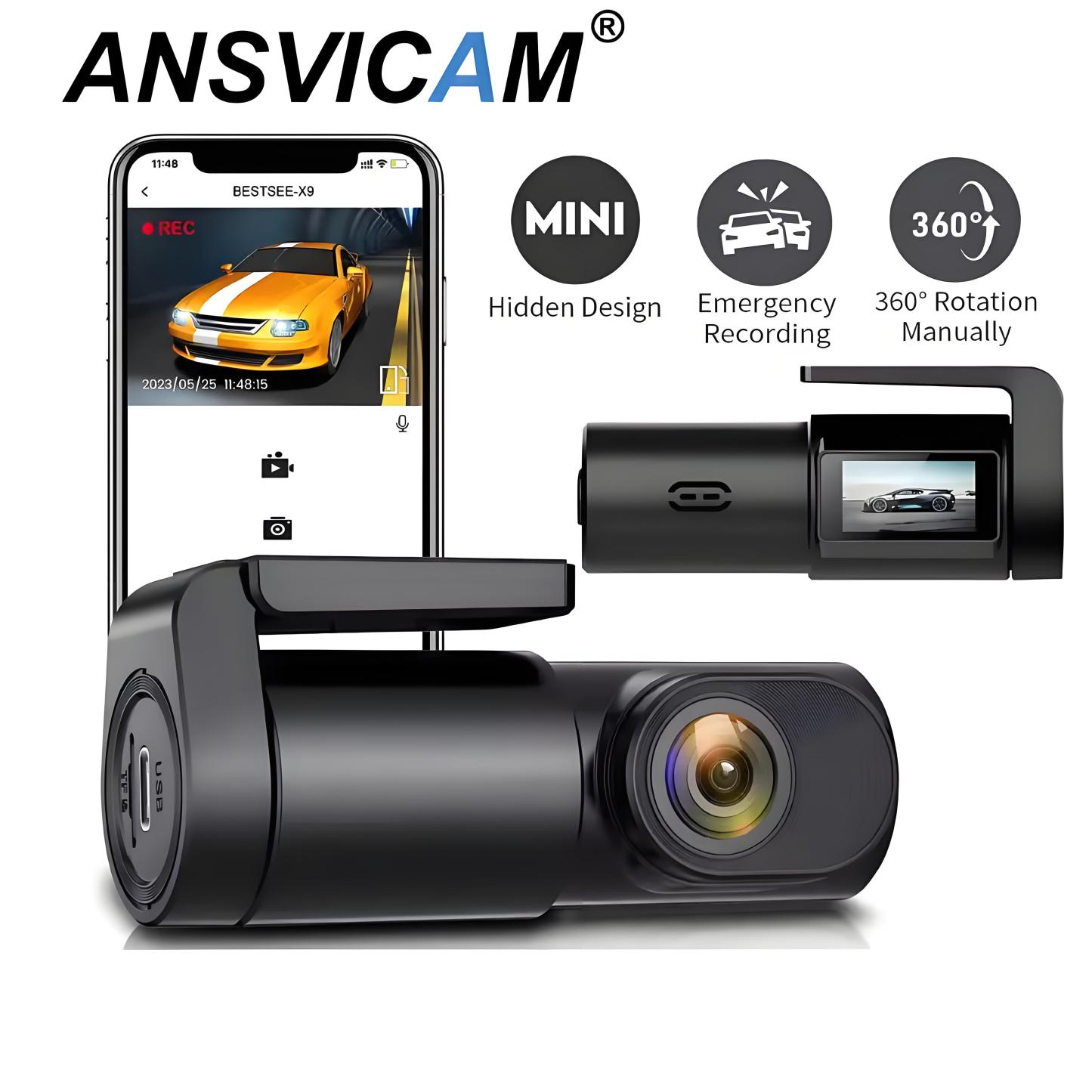
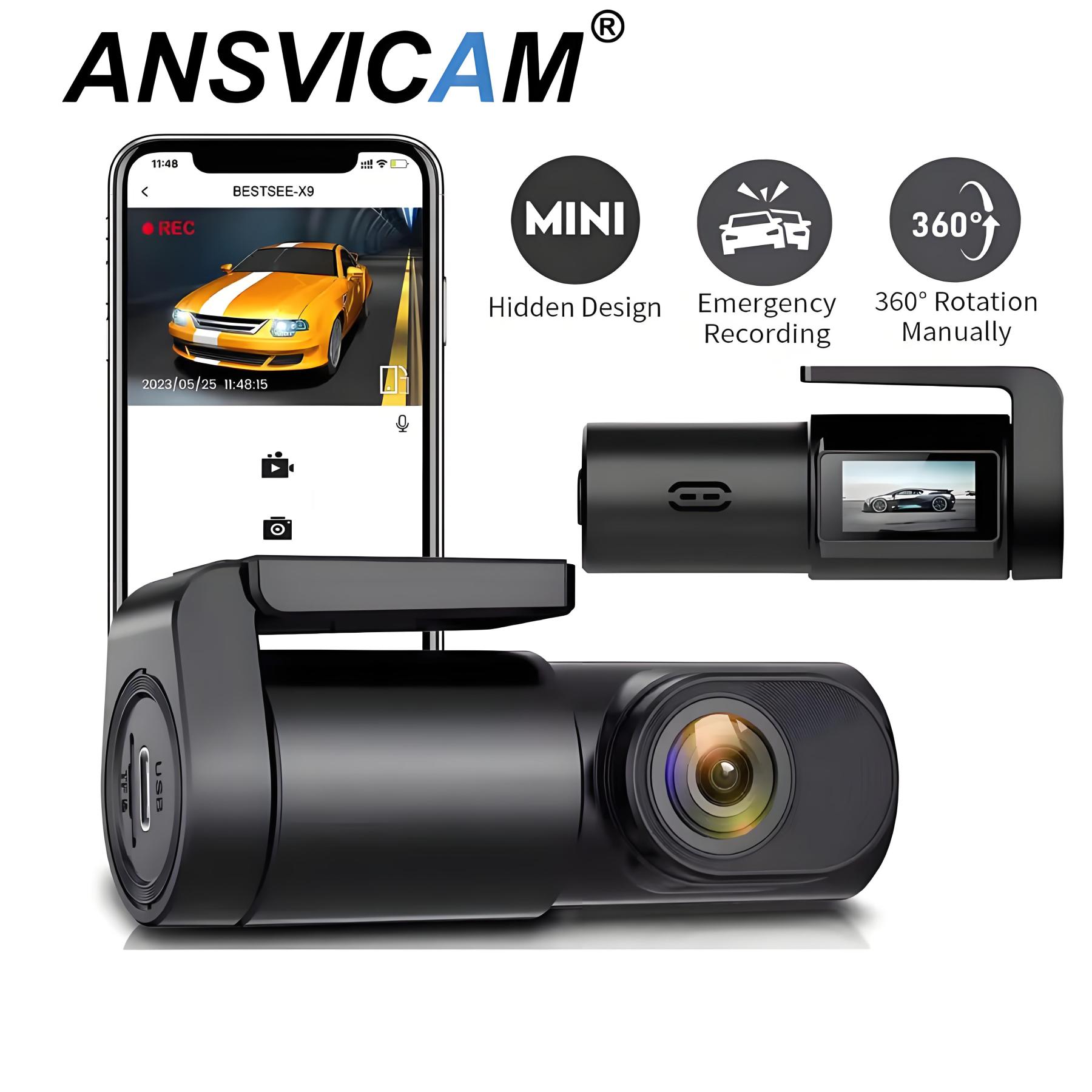
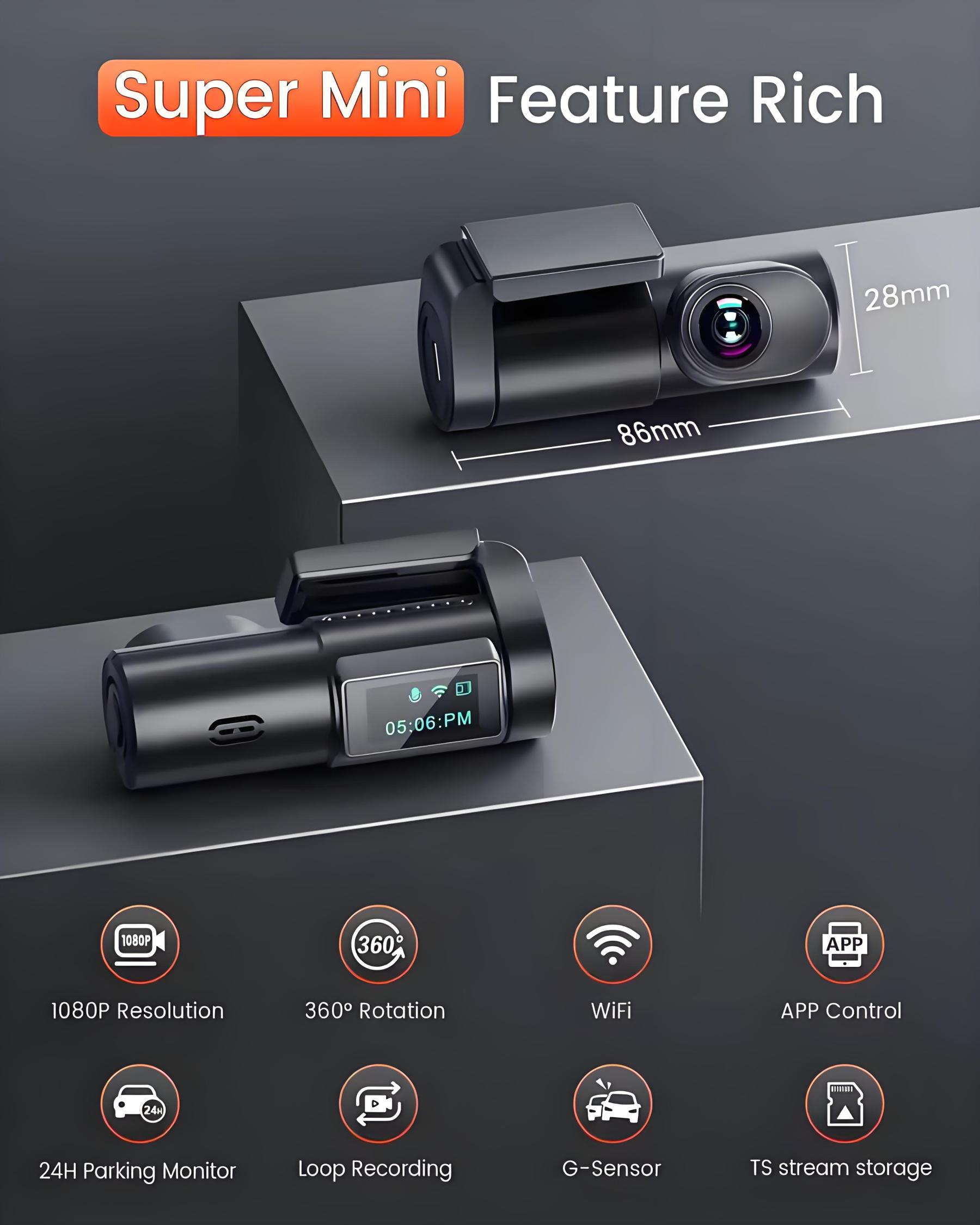
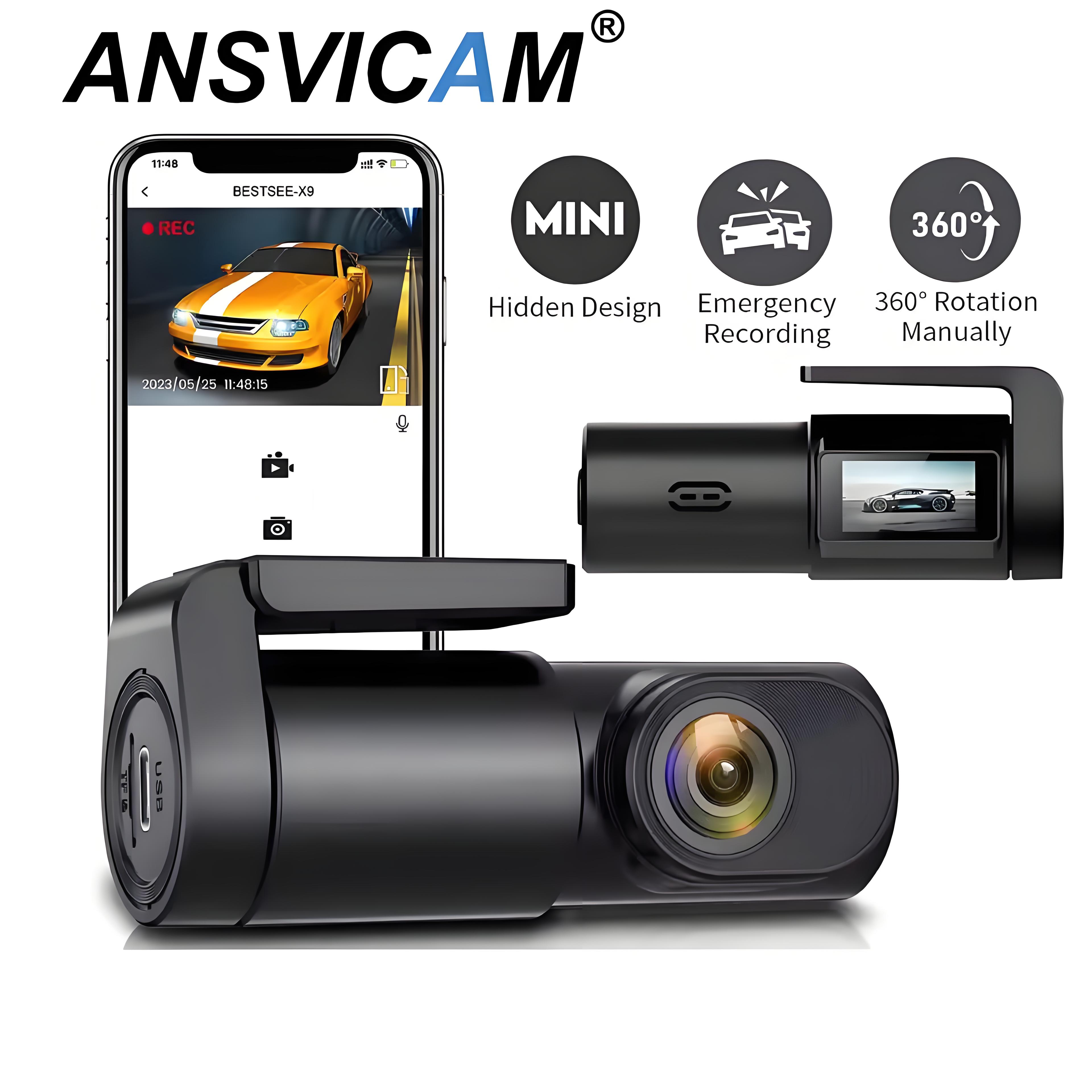
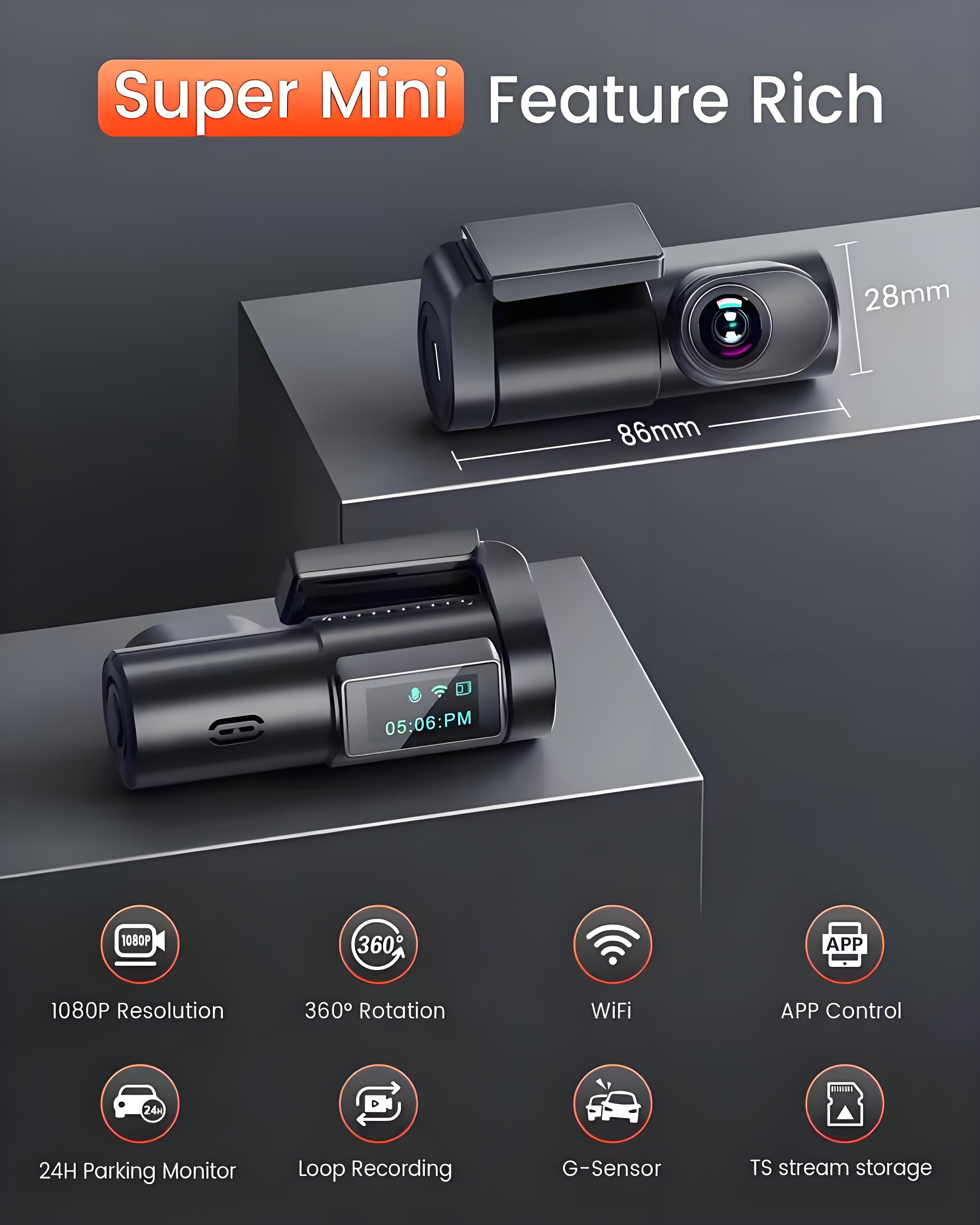
The Bestsee dash cam is the ideal solution for any driver looking for a reliable and affordable dash camera. Its compact design ensures an unobstructed view, while its intuitive plug-and-play operation and simple setup make it effortless to use.
-
Streamlined Connectivity and Sharing:
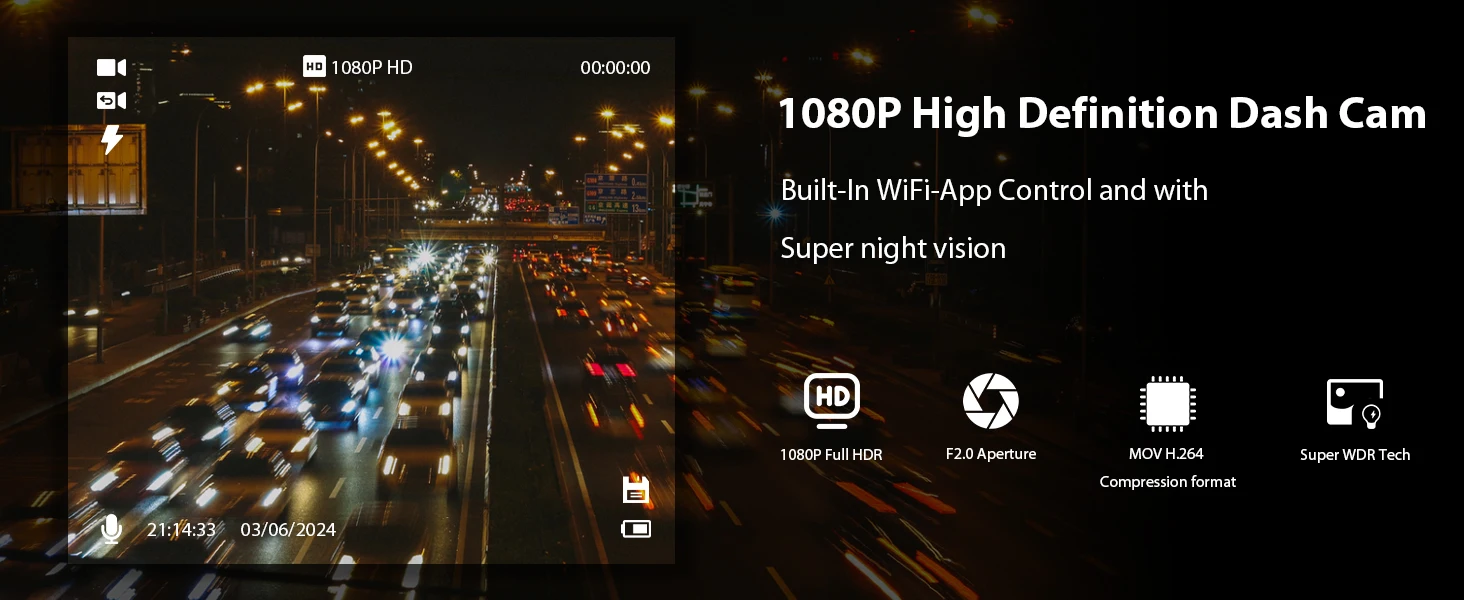
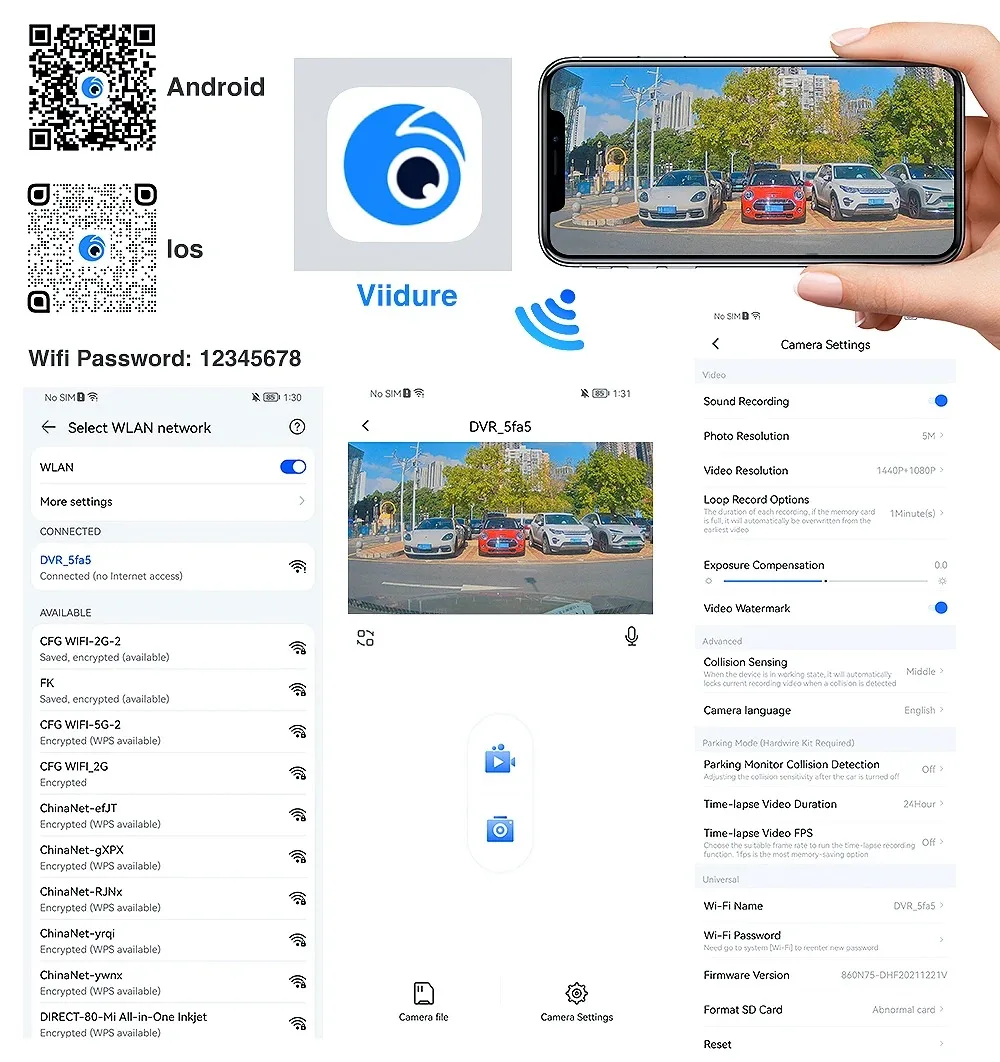
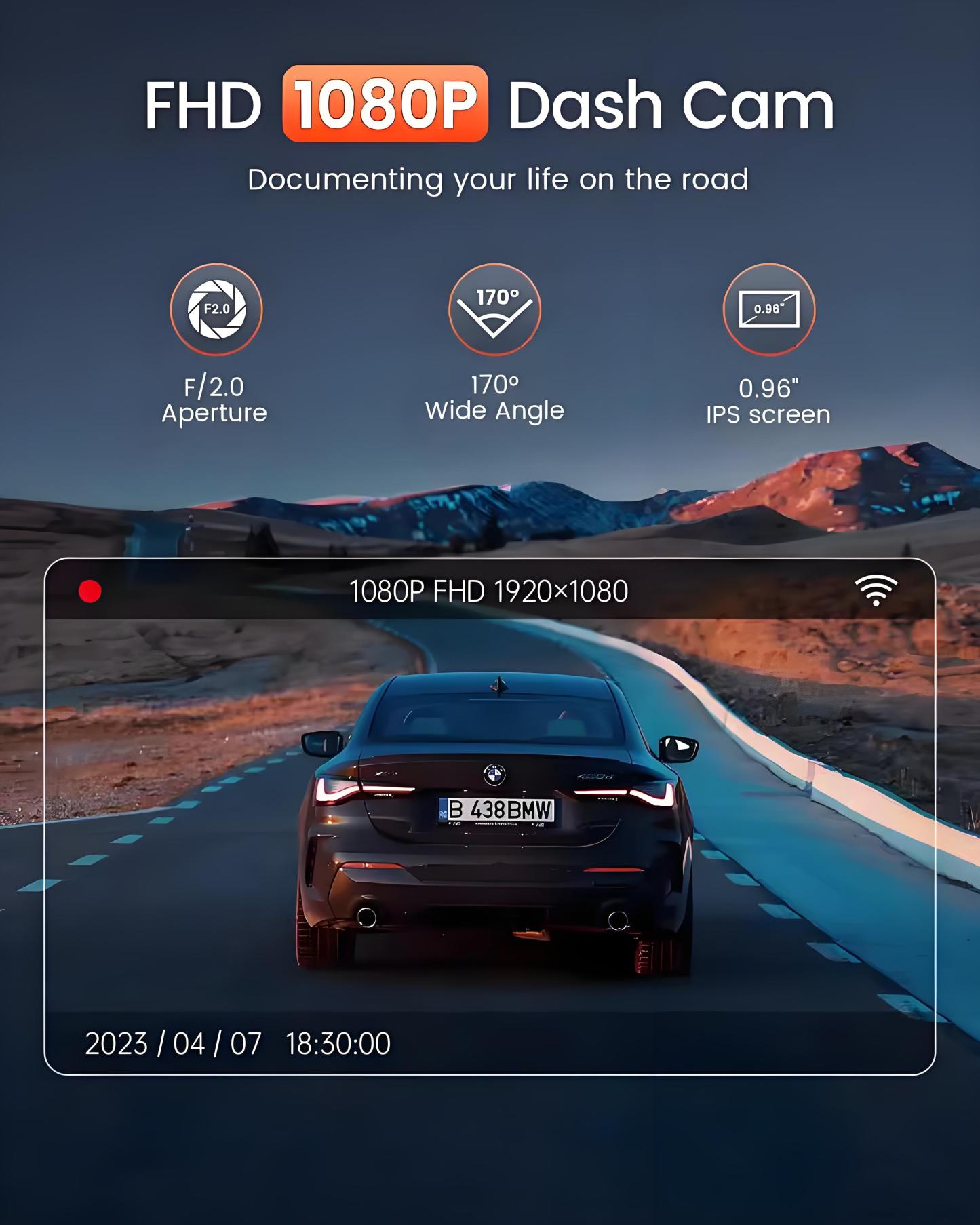
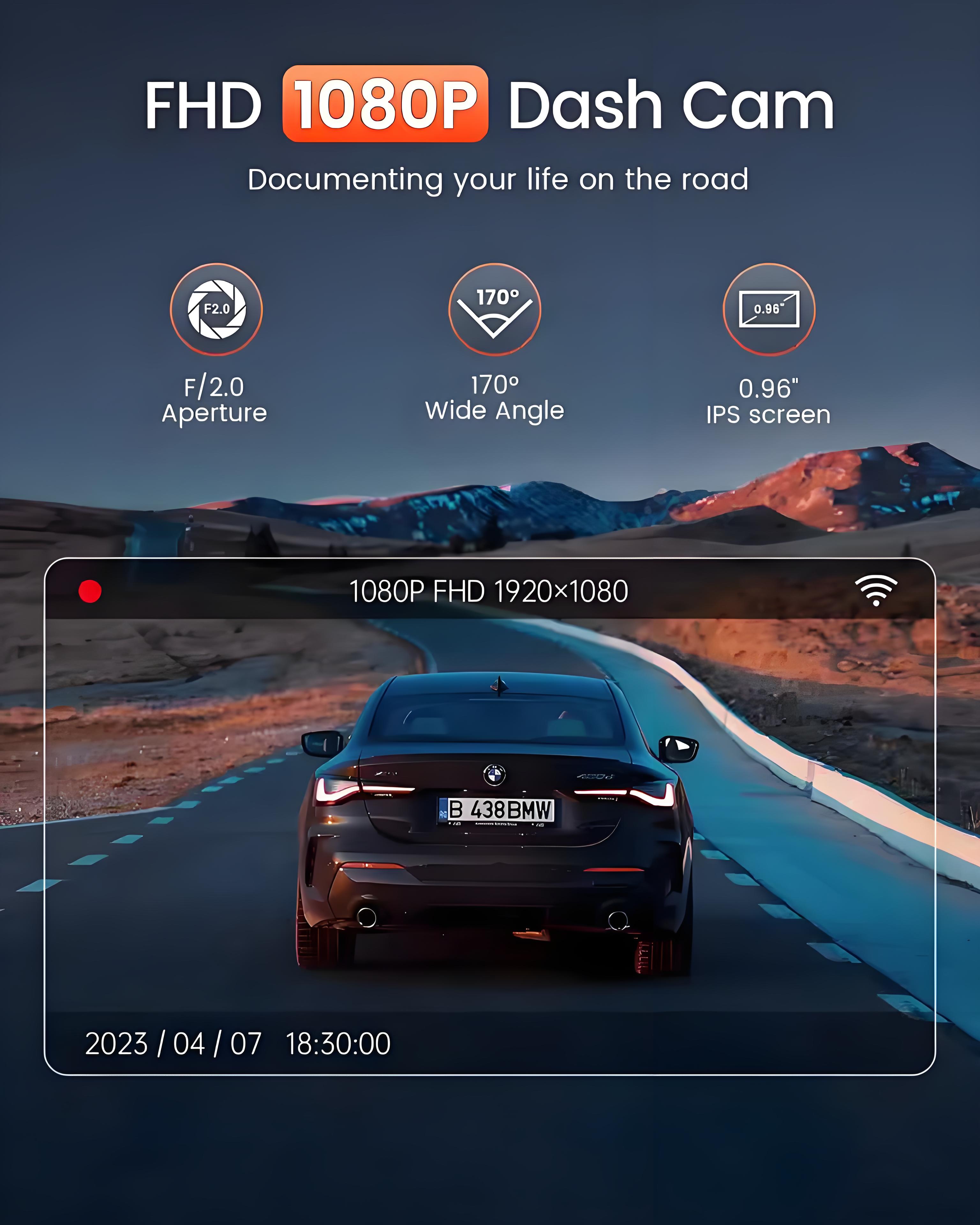
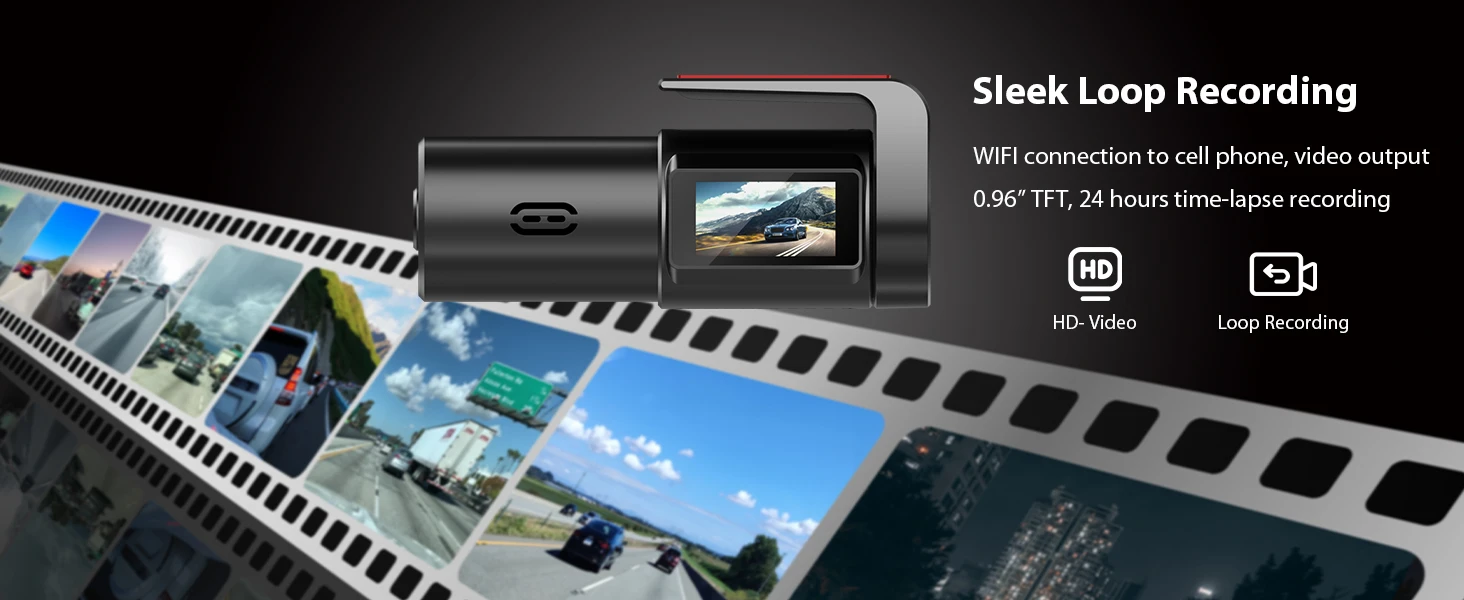
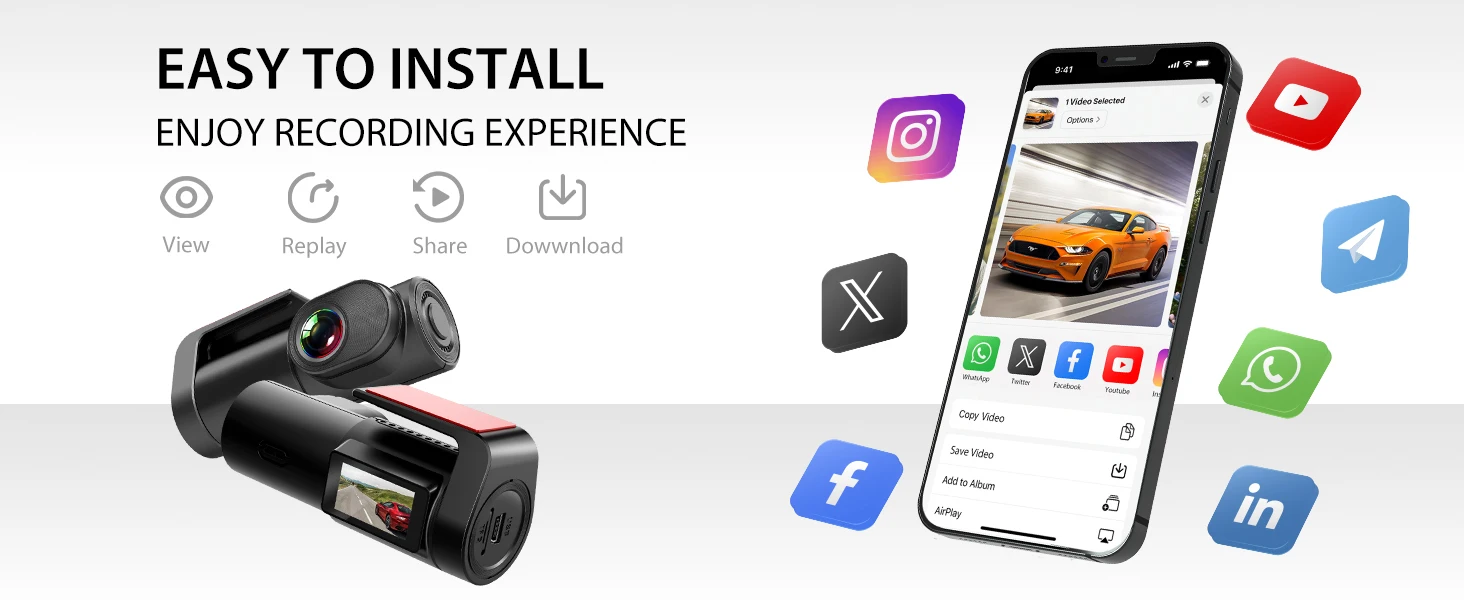
With Wi-Fi connectivity, enjoy real-time access to live video feed and immediate playback of recorded footage on your smartphone or tablet. Effortlessly transfer and view your recordings, making sharing videos with friends, family, or insurance providers a breeze when needed, or save them for later viewing.
-
Simplified Installation and User-Friendly Interface:
Quick and convenient removal, it's compact design and easy installation process allow you to install it hassle-free. The user-friendly app interface ensures seamless operation and swift access to vital features, allowing you to drive with confidence while capturing crucial moments on the road.
-
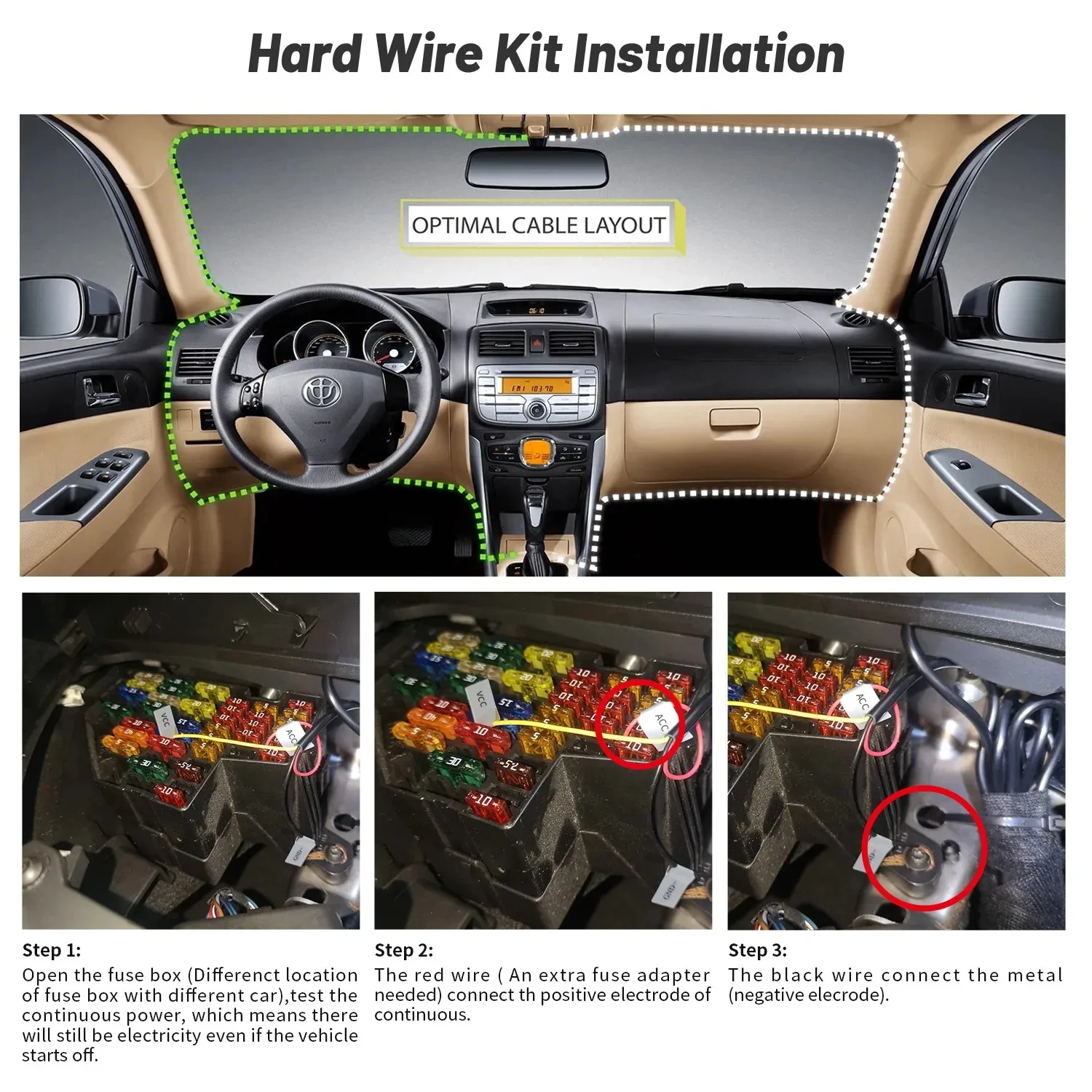
Keep Your Vehicle Safe When Parked
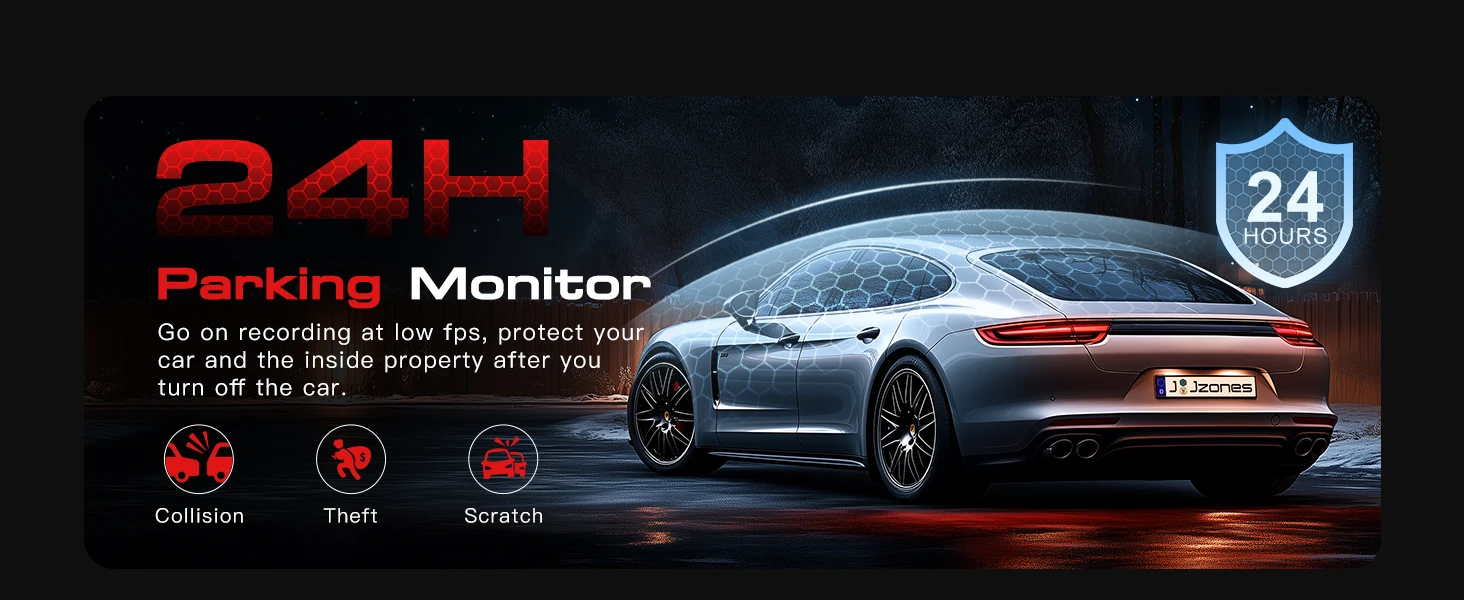
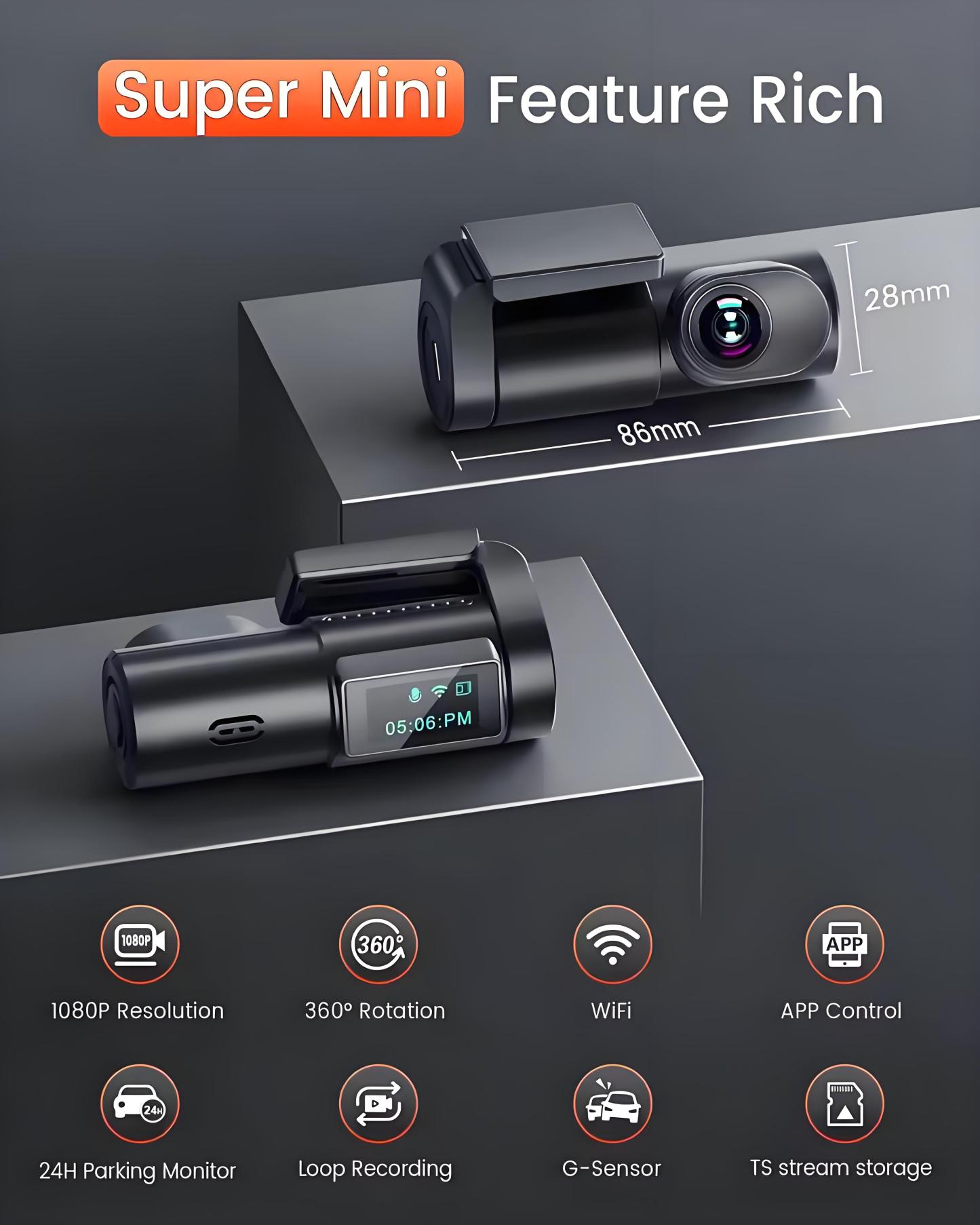
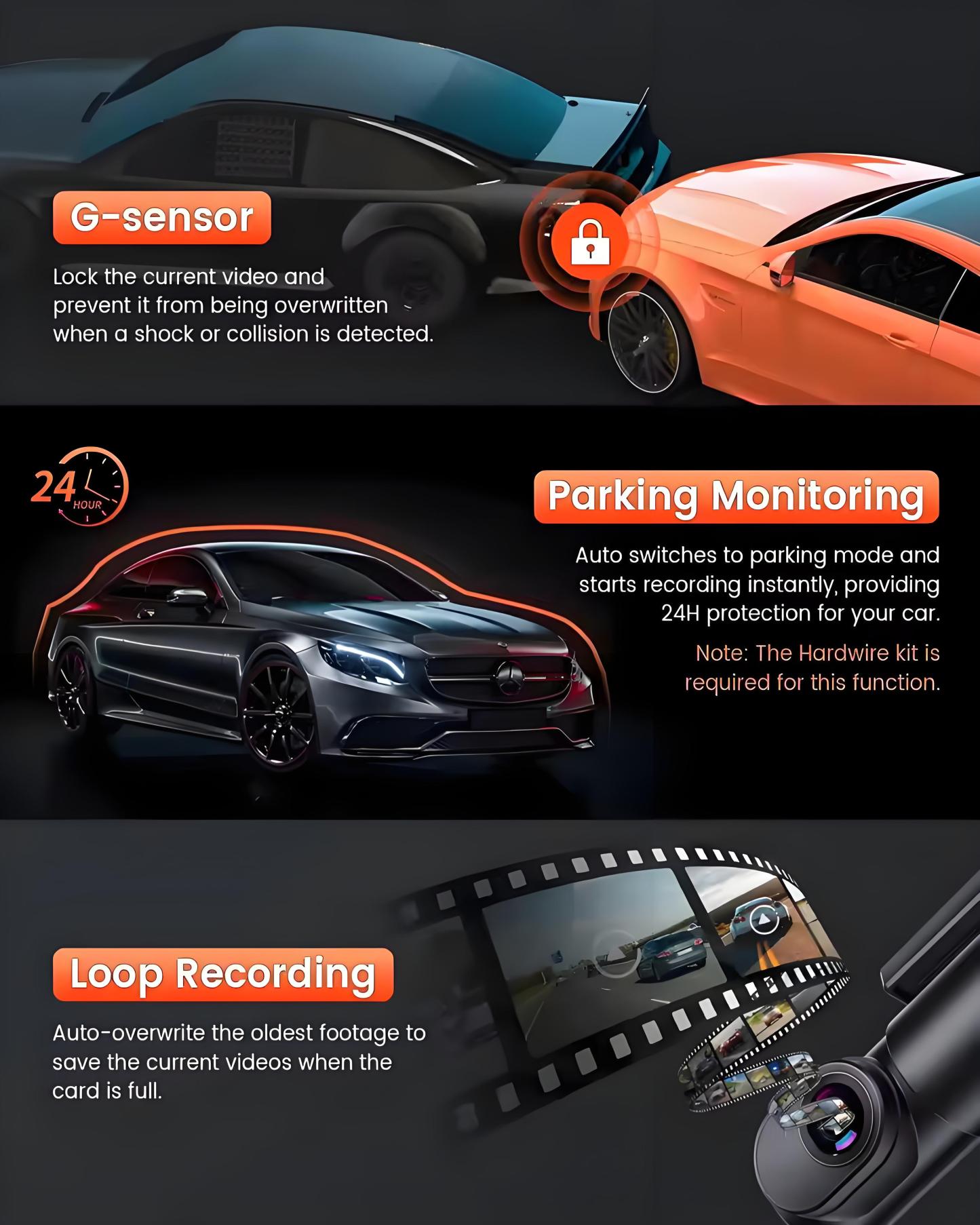
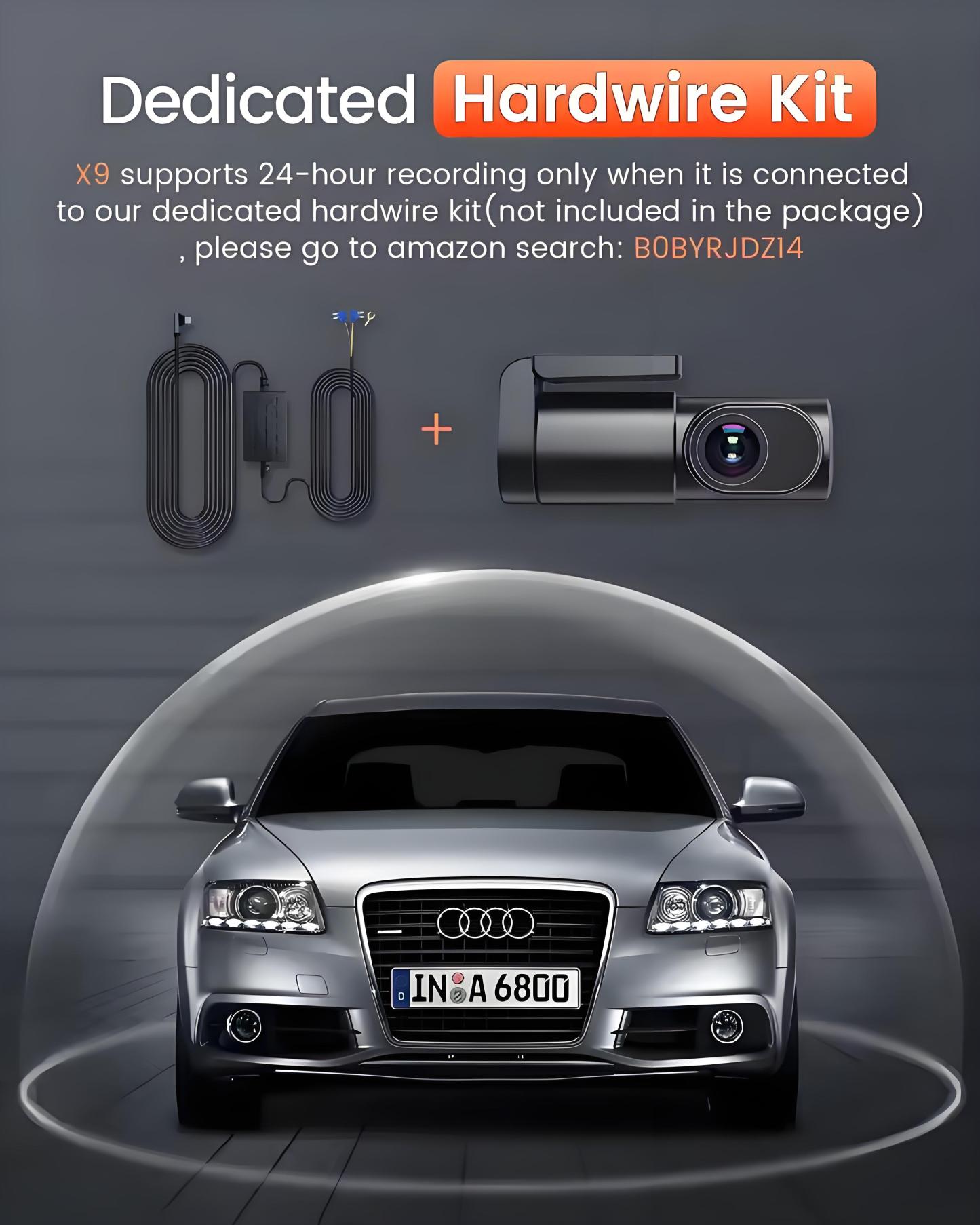
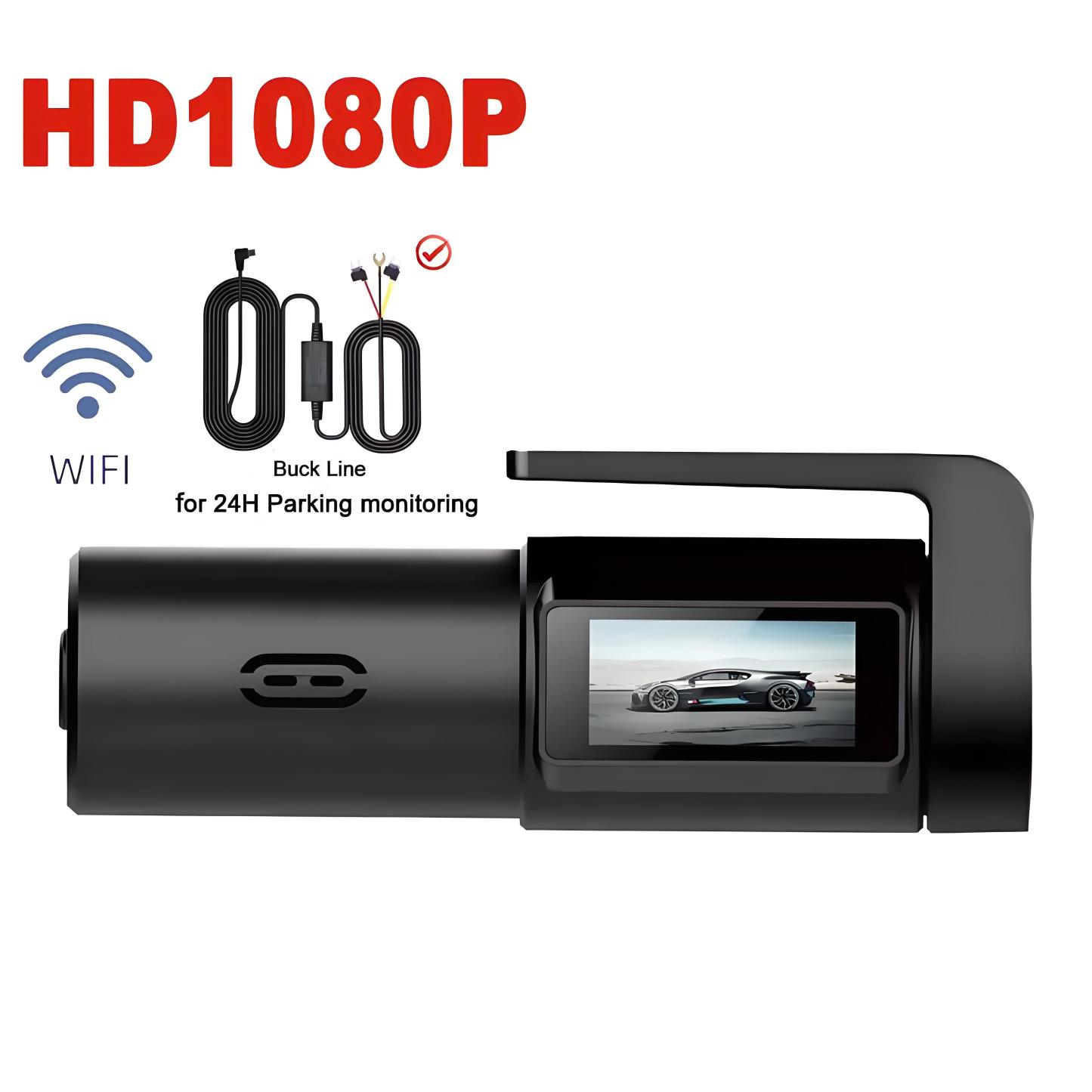
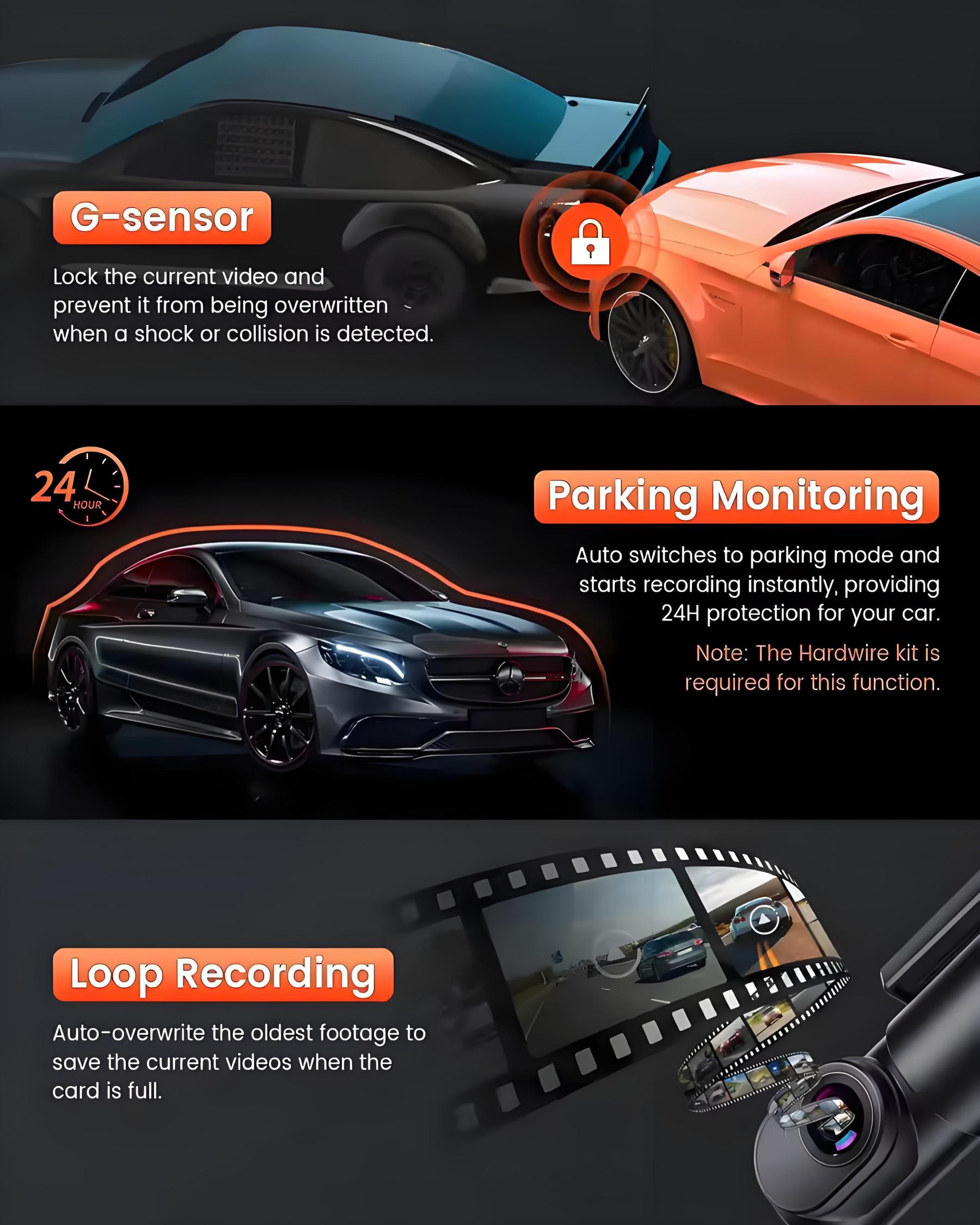
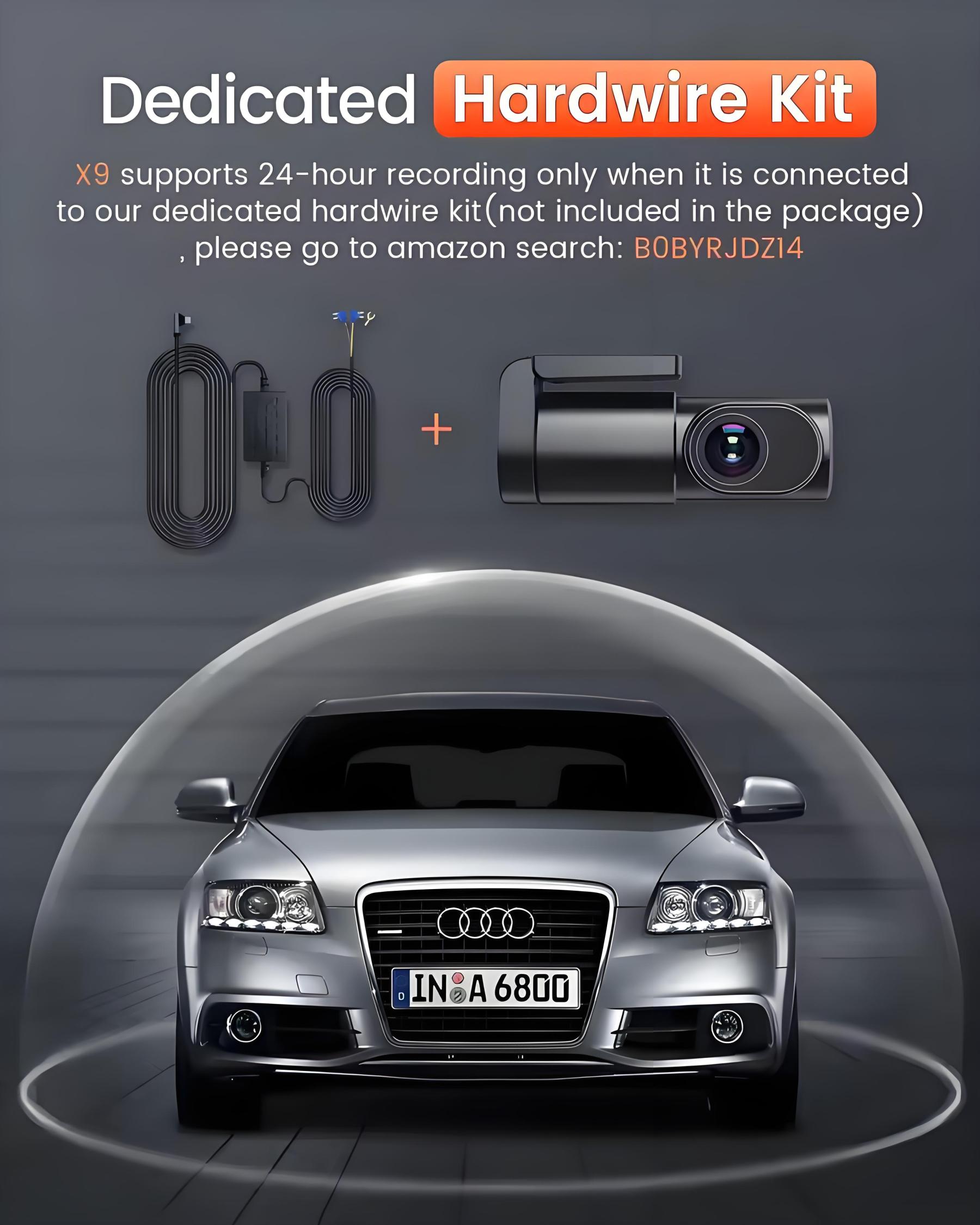
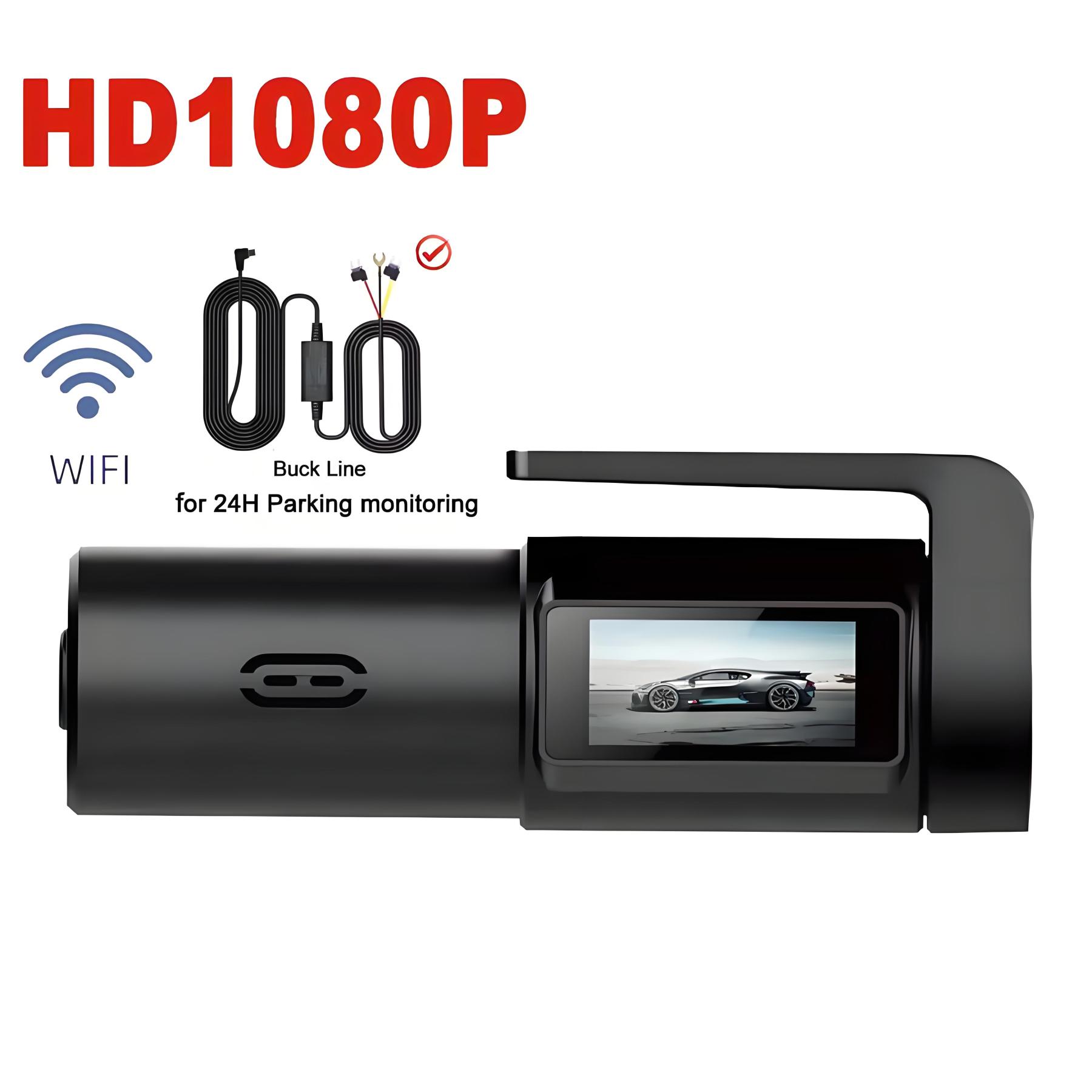
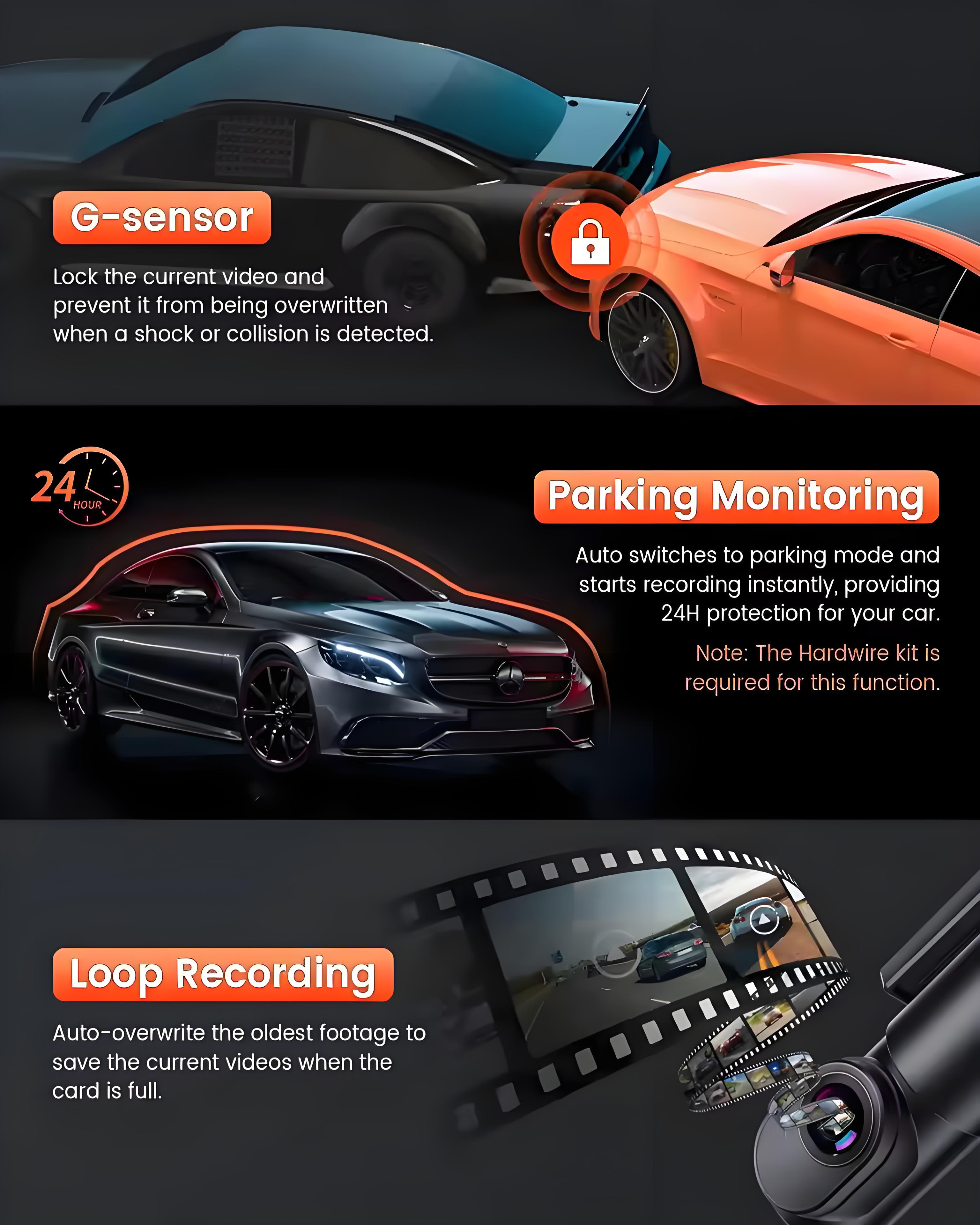
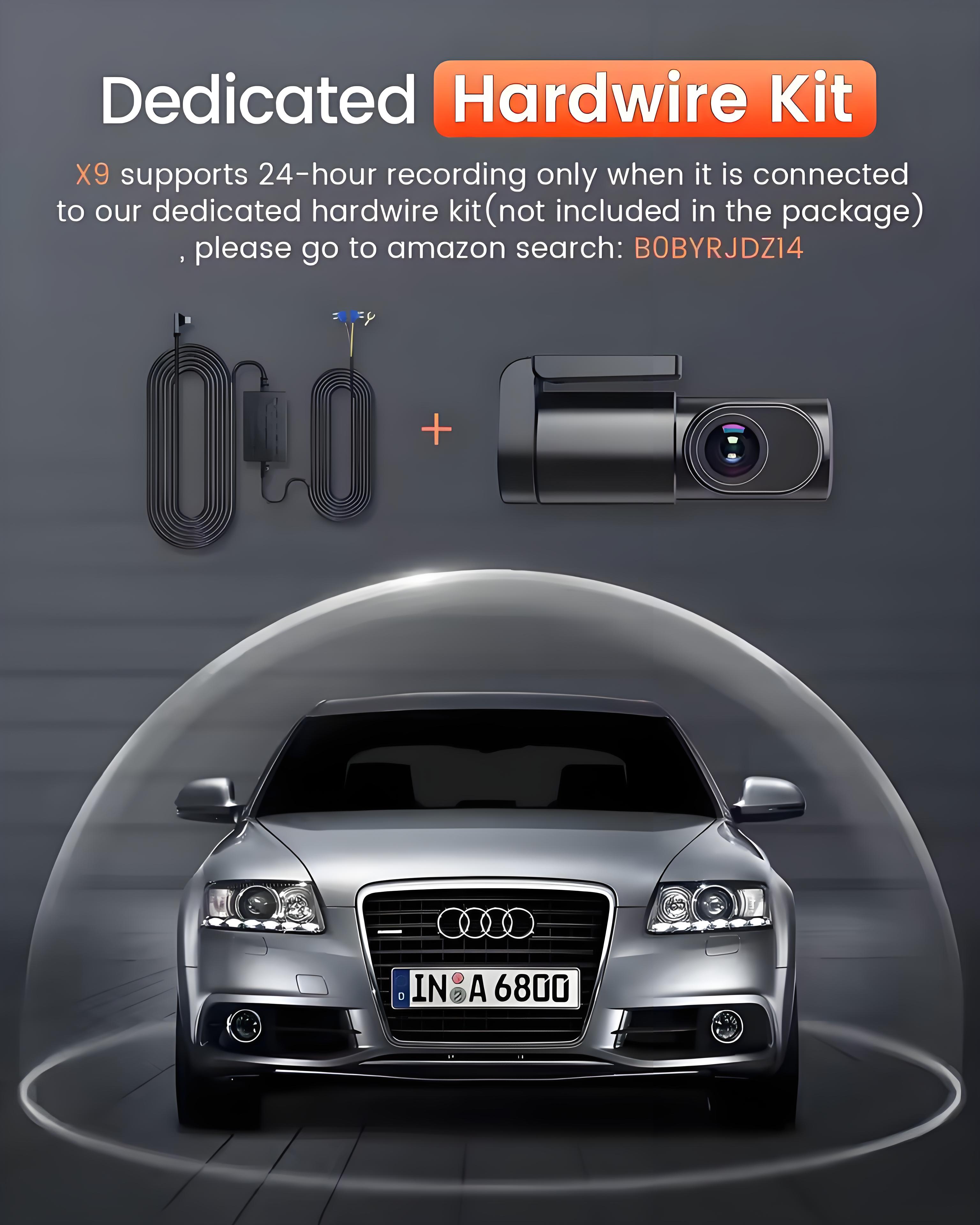
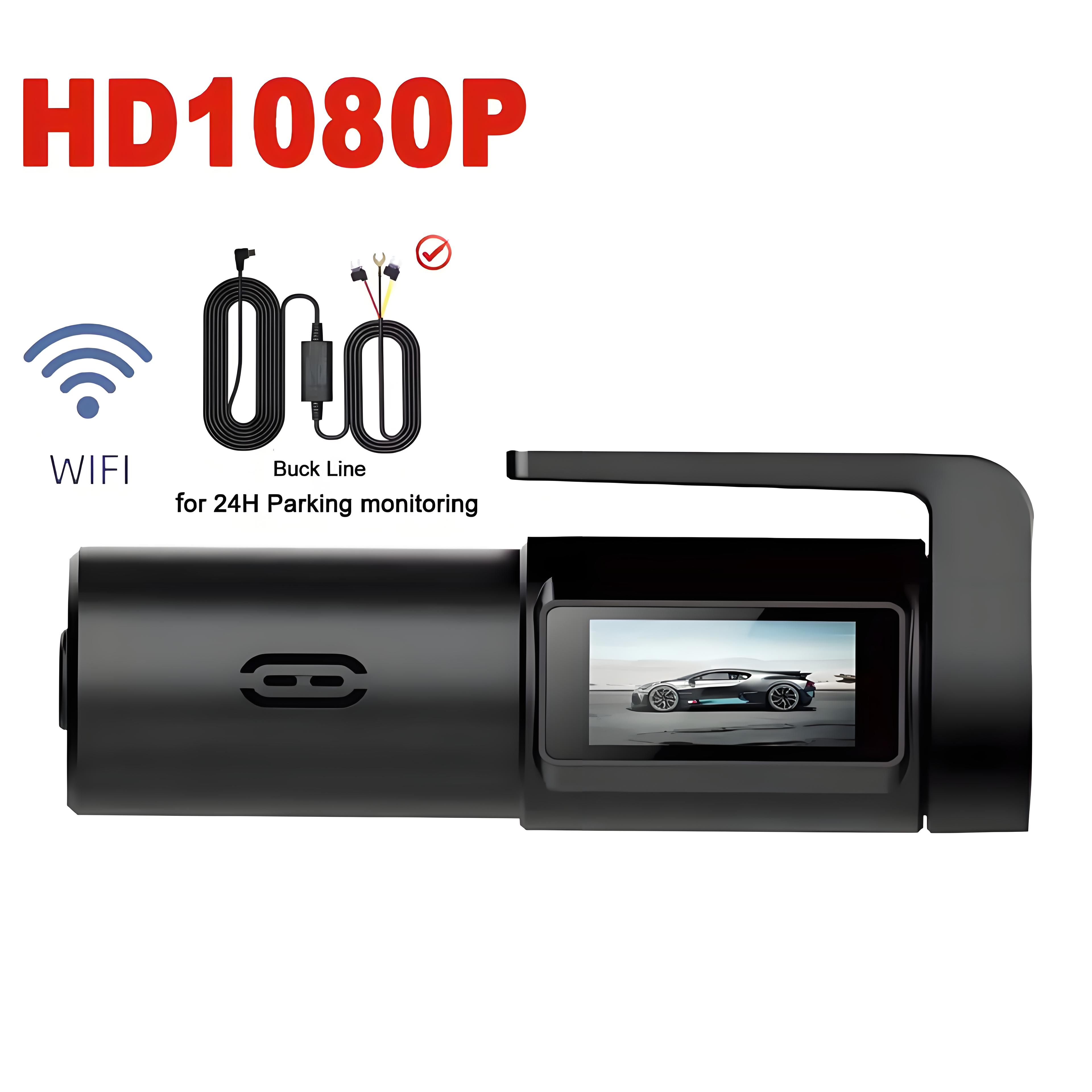
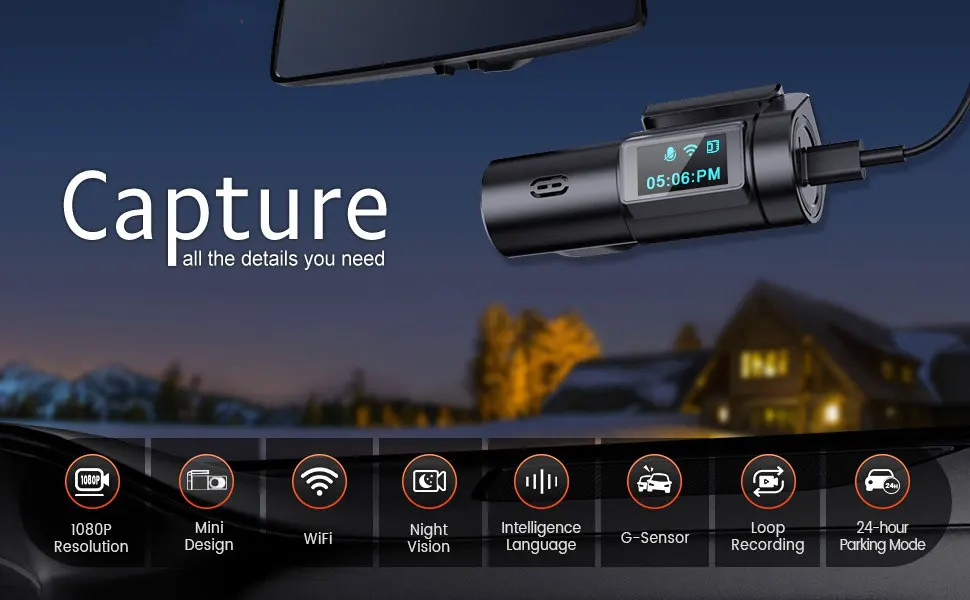
The 24-hour parking monitoring allows the camera to continue recording even when the vehicle is parked and the engine is off. It uses the camera's motion detection technology to start recording when it detects movement or vibration around the vehicle. This feature can be helpful in case of hit-and-run accidents or other incidents that occur while the vehicle is parked and unattended. (If you would like to utilize the 24-hour parking monitoring and time-lapse functions, a hardwire kit (not included) is required. You can connect with us to receive a complimentary hardwire kit.)
-
G-sensor for Emergency Recording
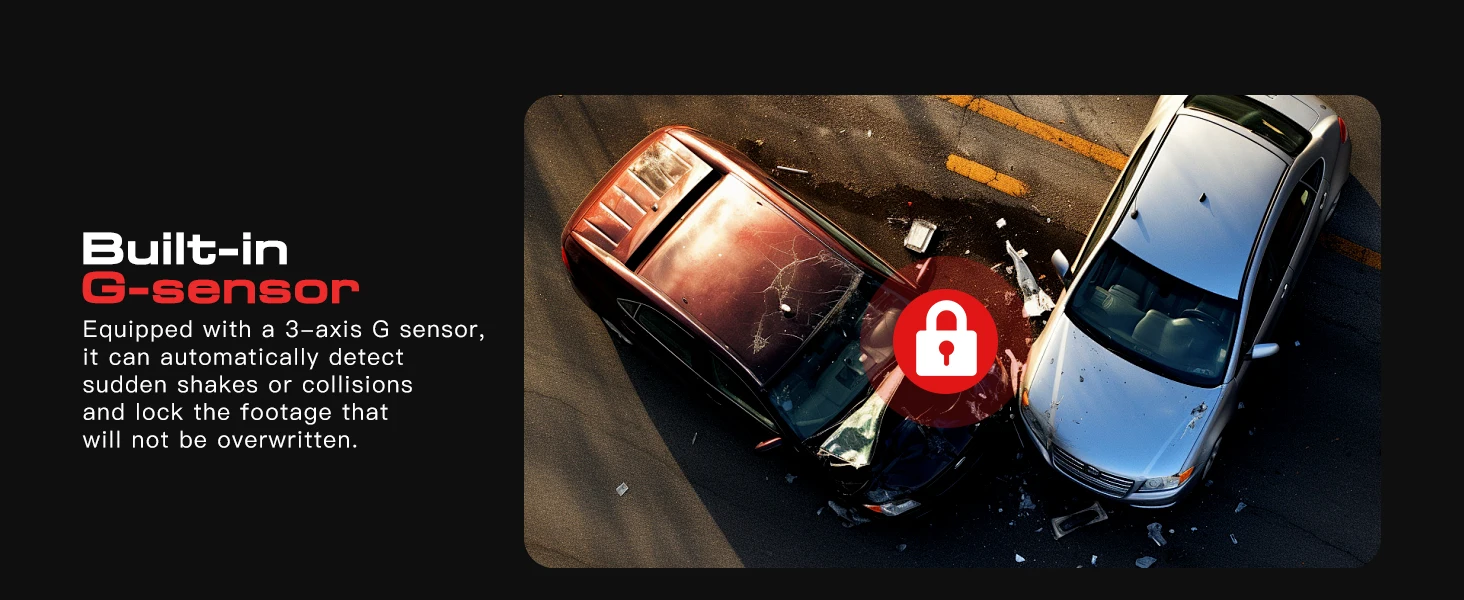
G-sensor is a feature that detects sudden changes in the car's acceleration, such as during a collision or sudden braking. When triggered, the G-sensor will automatically save the current video file, marking it as protected and preventing it from being overwritten
Package Contents:
1 x 1080P Dash Cam
1 x User Manual
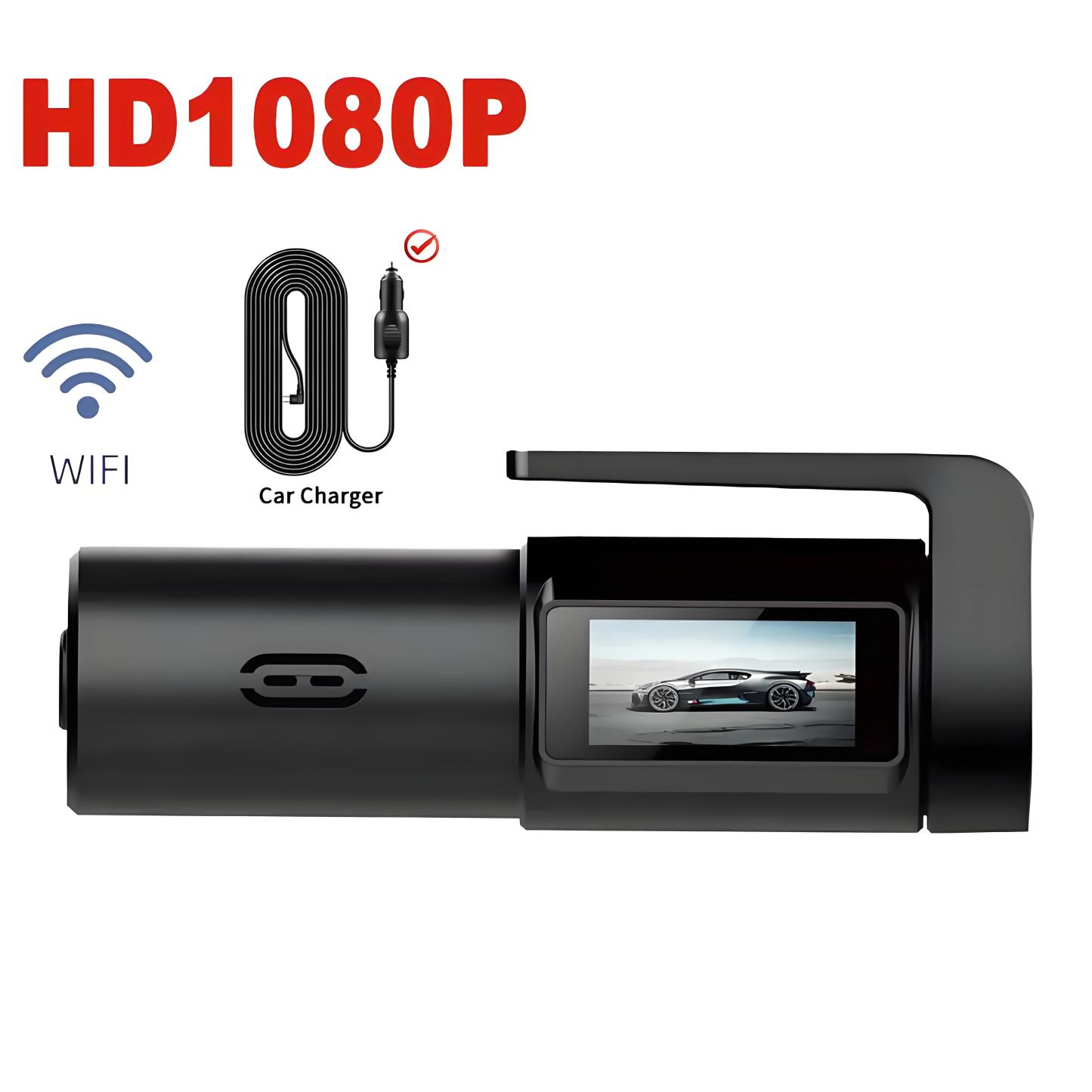
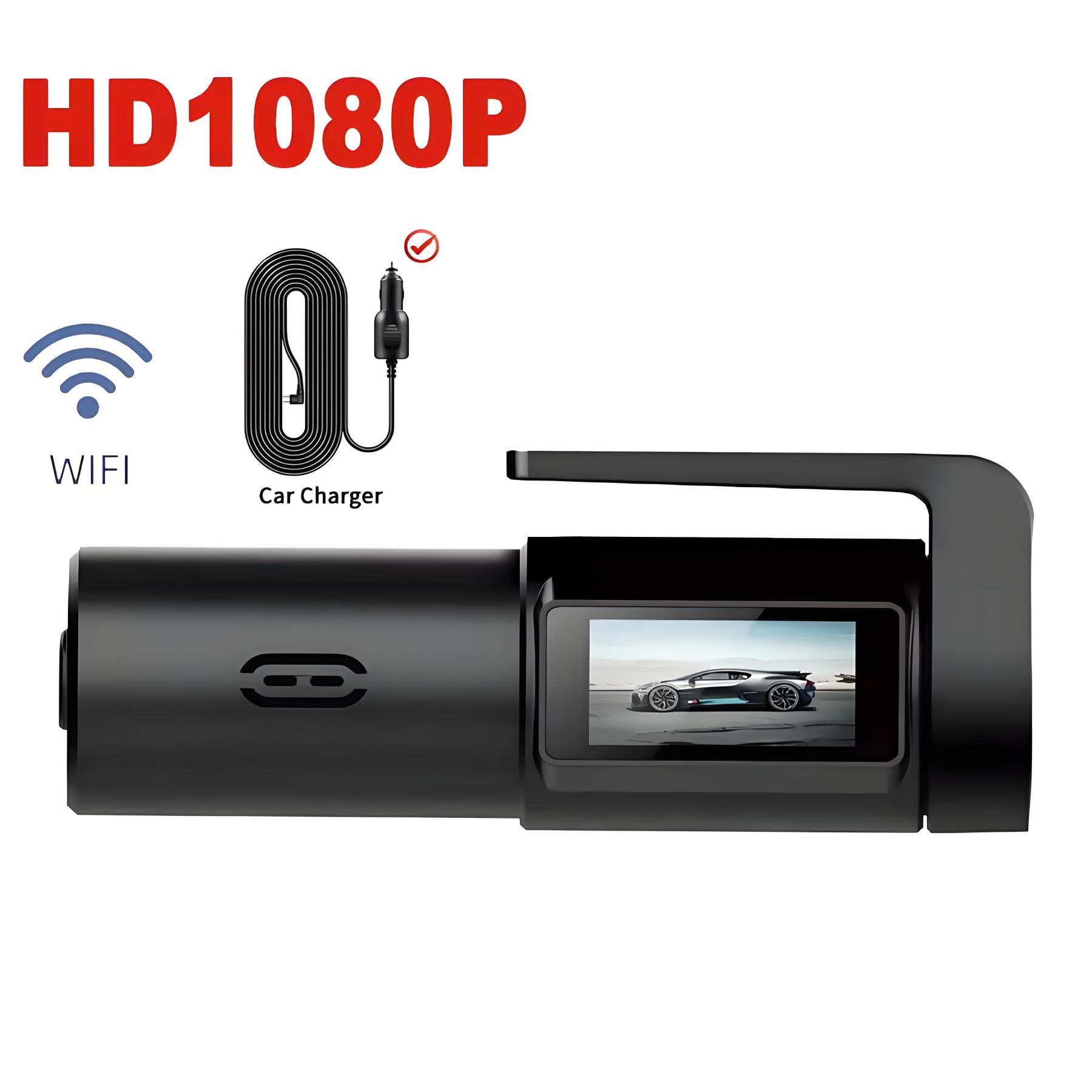
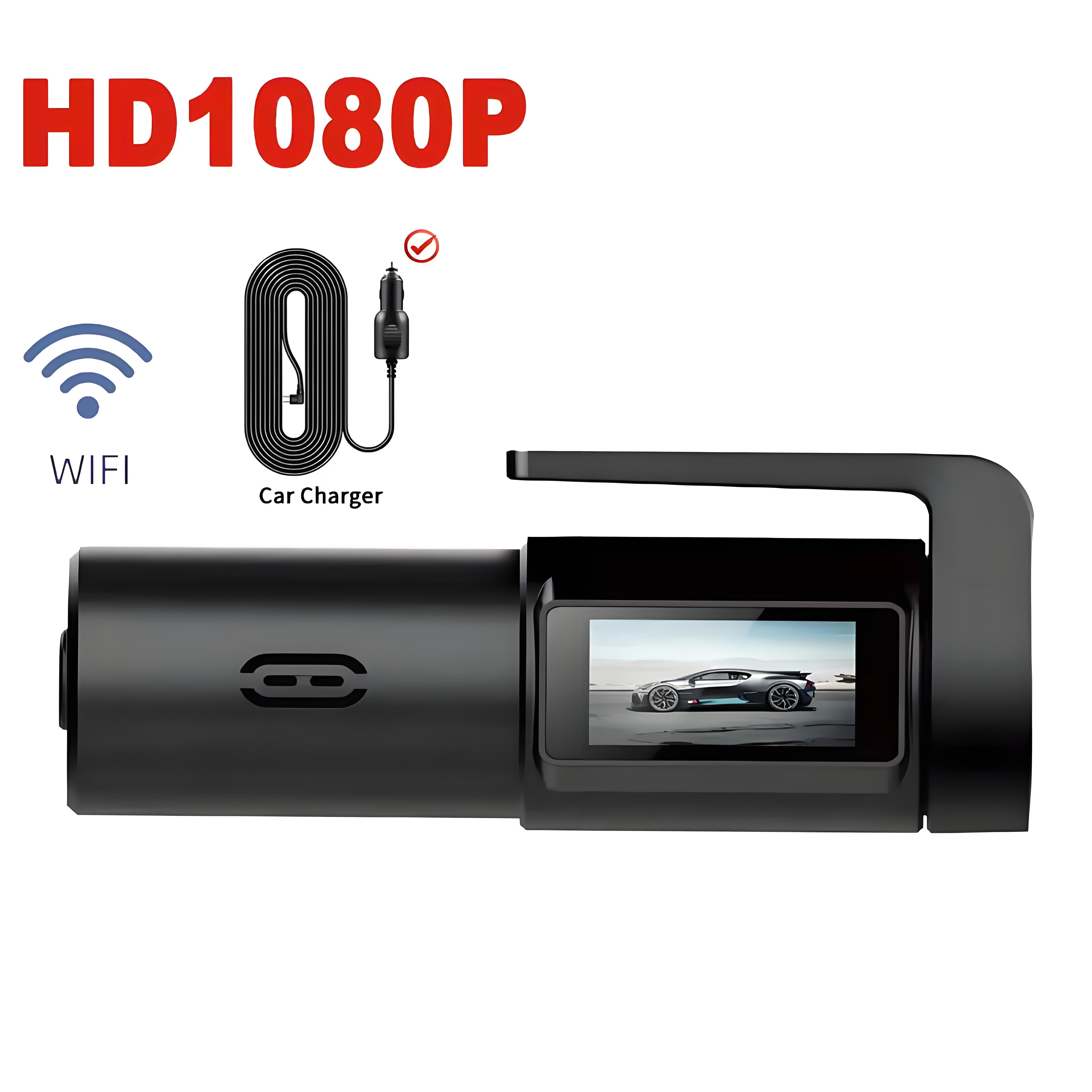
1 x Car Charger Adapter
2 x 3M Tape
2 x Static Stickers
Experience the Simplicity of Bestsee 1080P Dash Cam
Warm Tips:
If you have trouble saving settings in the dash cam app, please contact us for help.
If you can't find the dash cam's WiFi, turn off VPN, Bluetooth, and Cellular Data.
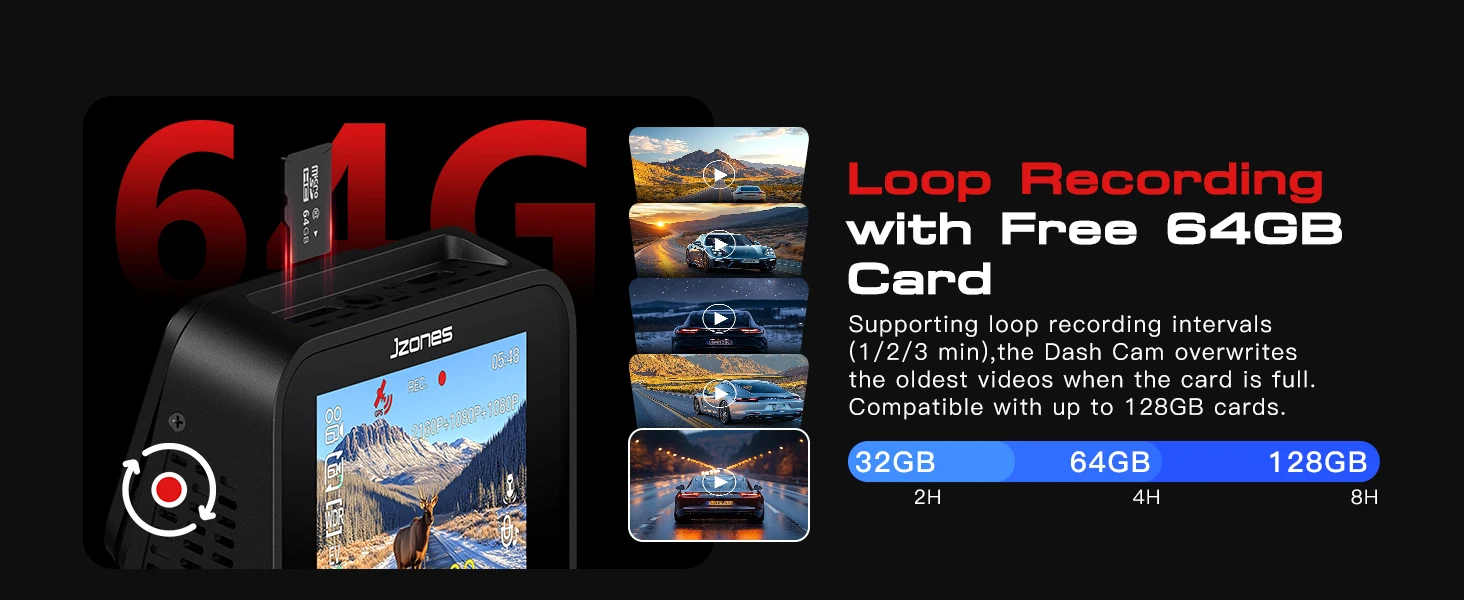
Before first use, format the Micro SD card (not included) through the dash cam's app while the dash cam is on and connected to the dash cam's WiFi.
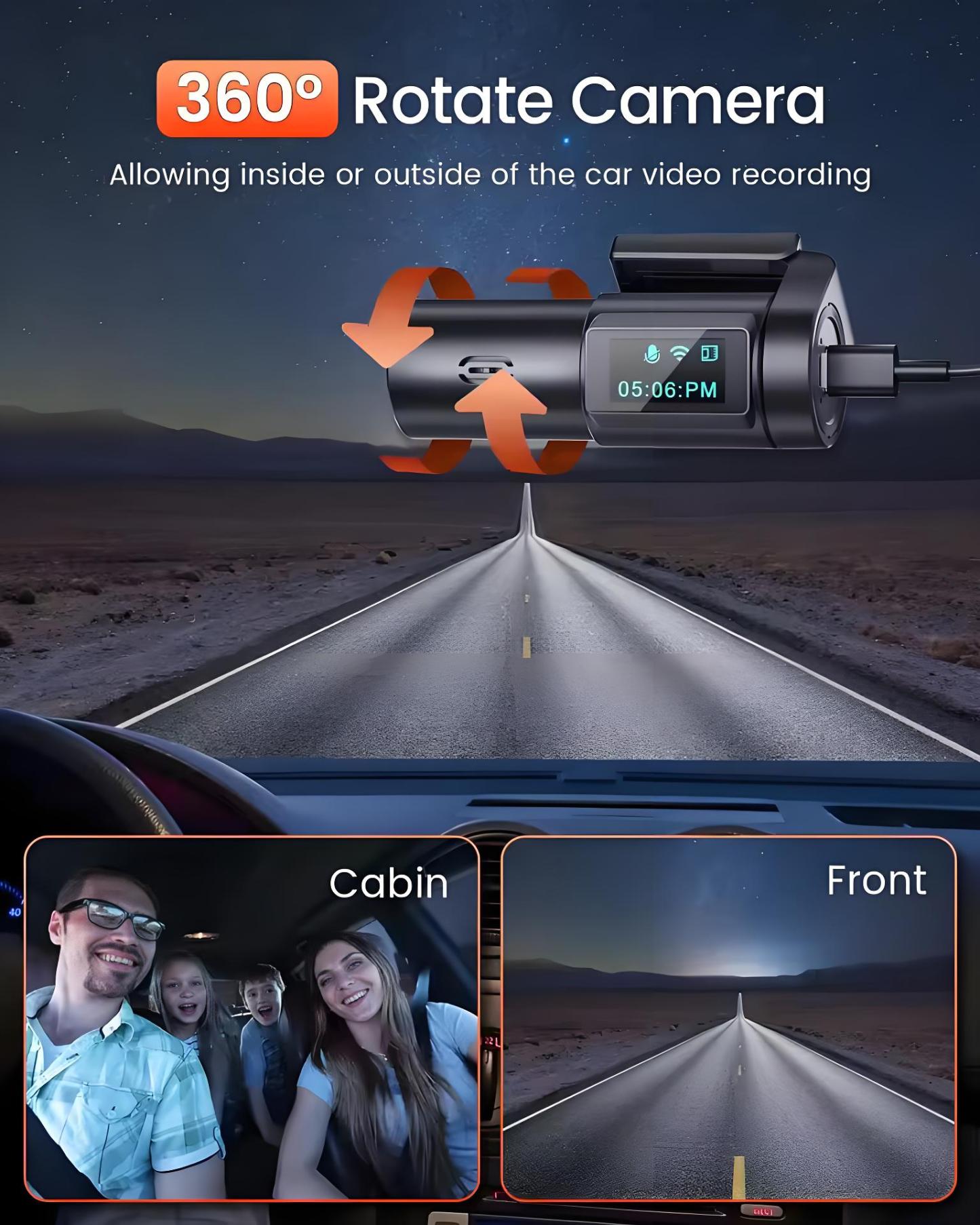
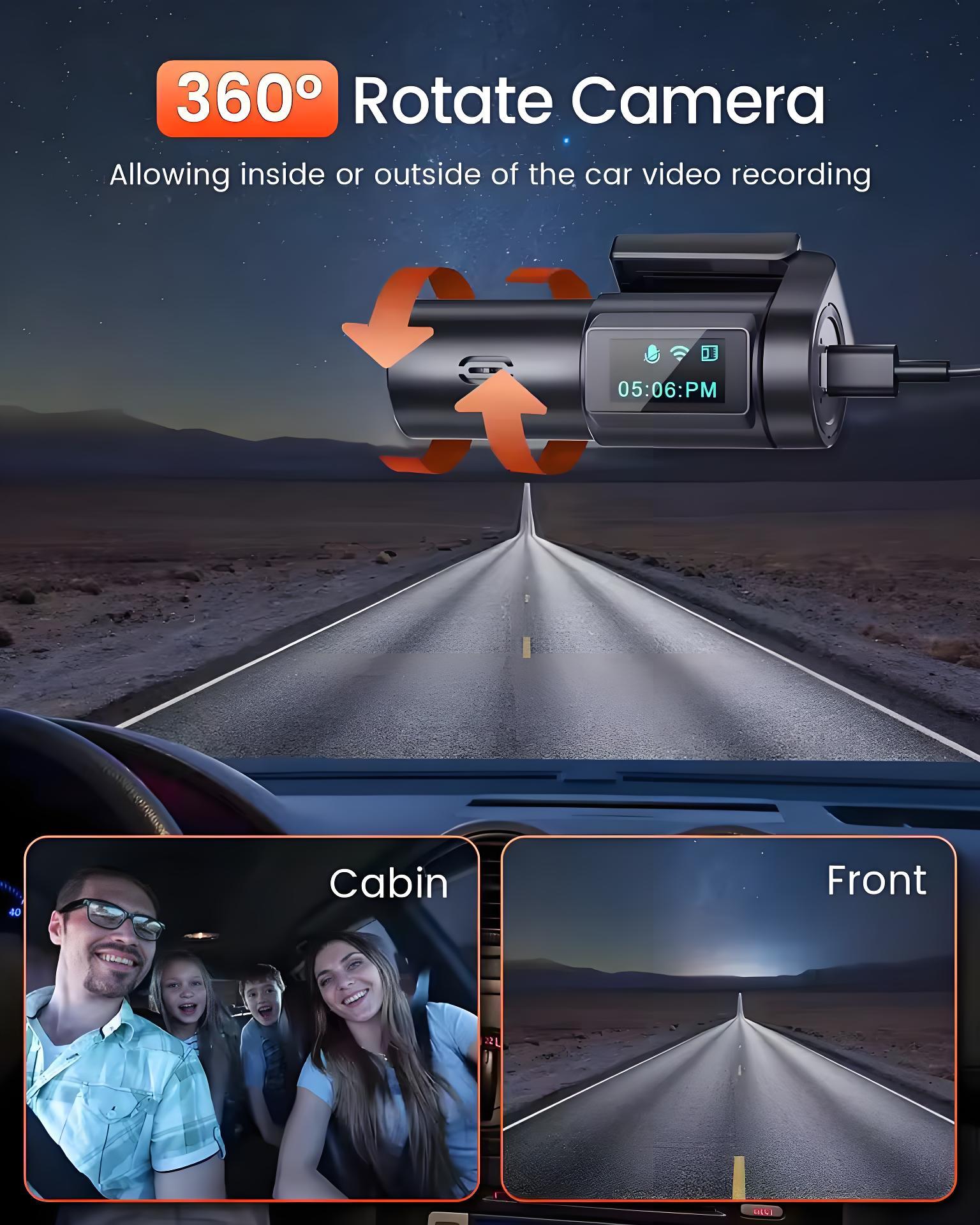
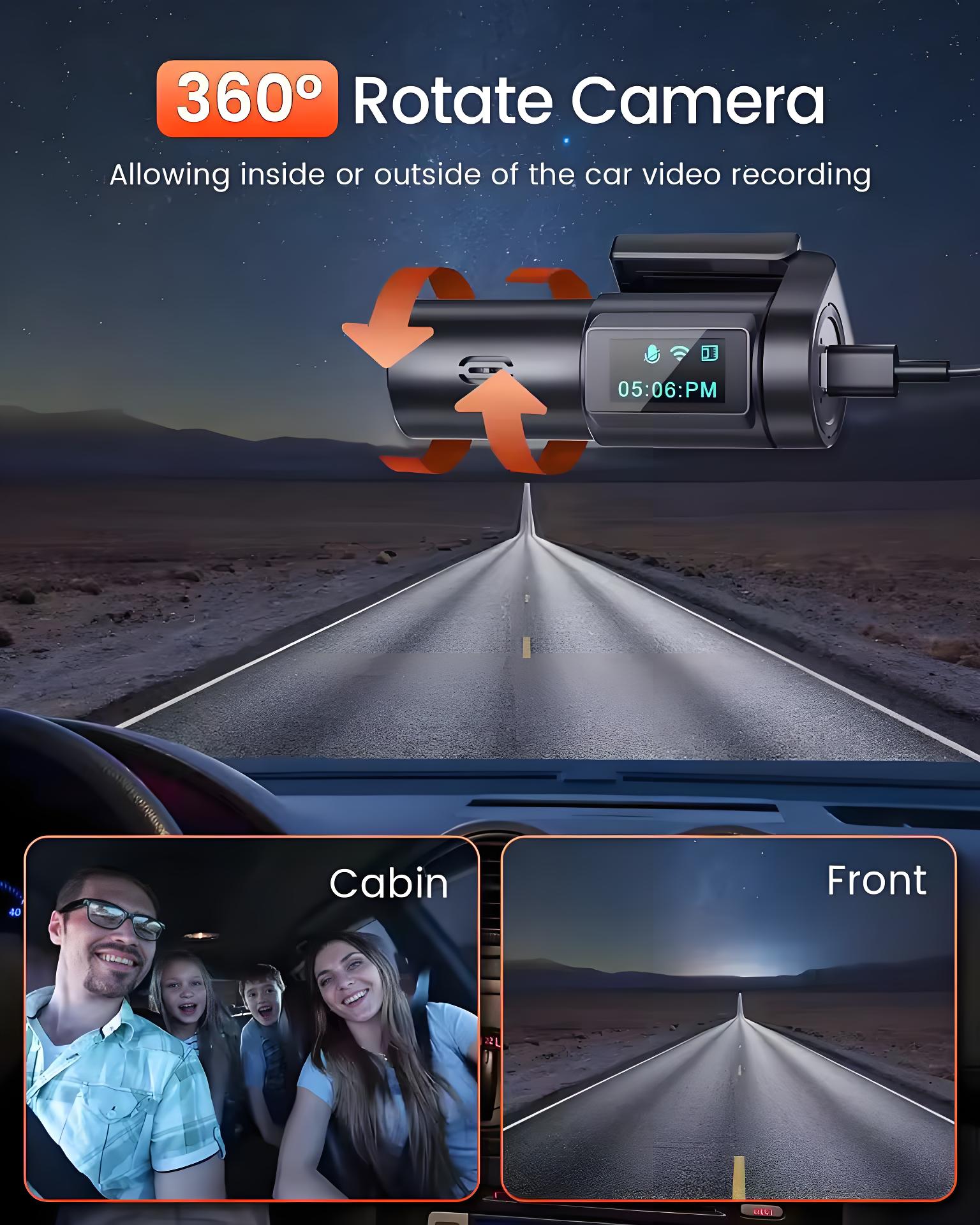
360° Rotatable Dashcam Front Camera For Your Safe Driving